A connected platform for market research operations

Market research operations, connected.

Manage every stage of your research sample business – from client enquiries and vendor sourcing to project execution, respondent quality, reporting and invoicing – in one connected workspace.

Sample

End-to-end workflow

From the first RFQ to the final invoice.

Research operations involve multiple teams, vendors and workflows. A2B Insights brings these activities together in one connected process.

01Win the work
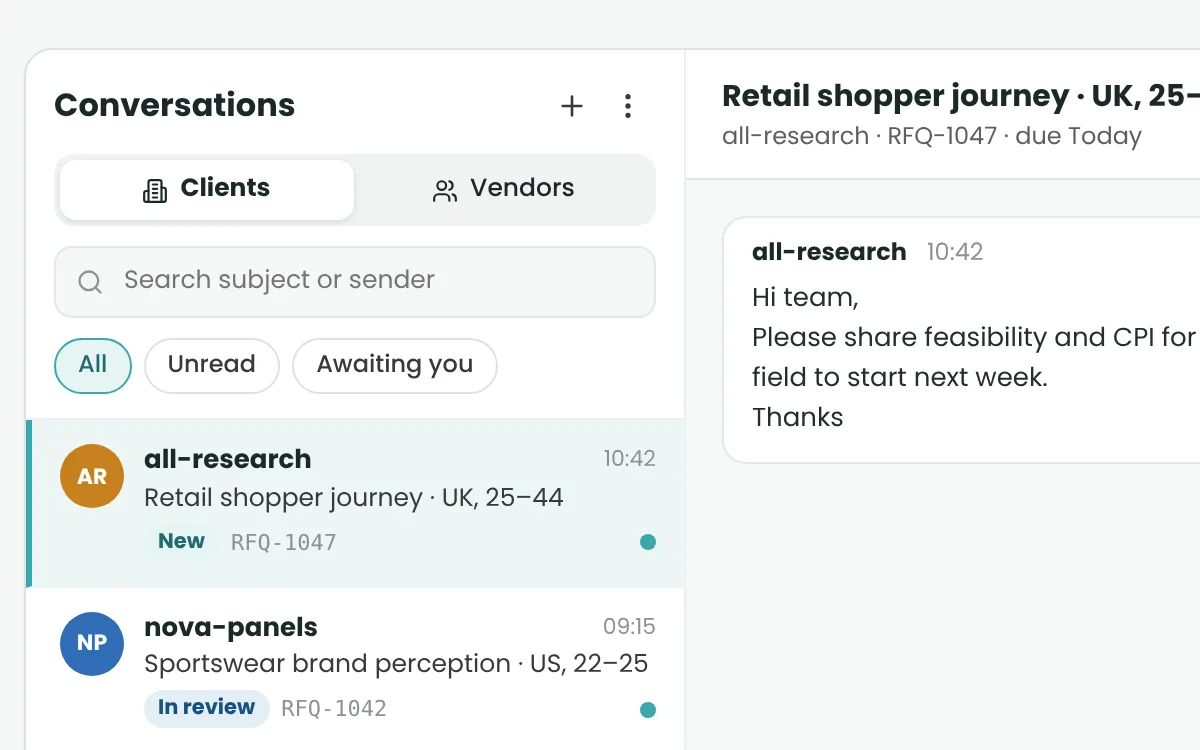
  1. 1Receive Client RFQsCapture research requests, manage conversations and prepare quotations.
  2. 2Source VendorsRequest vendor quotes, compare responses and identify suitable suppliers.
See related features
02Run the study
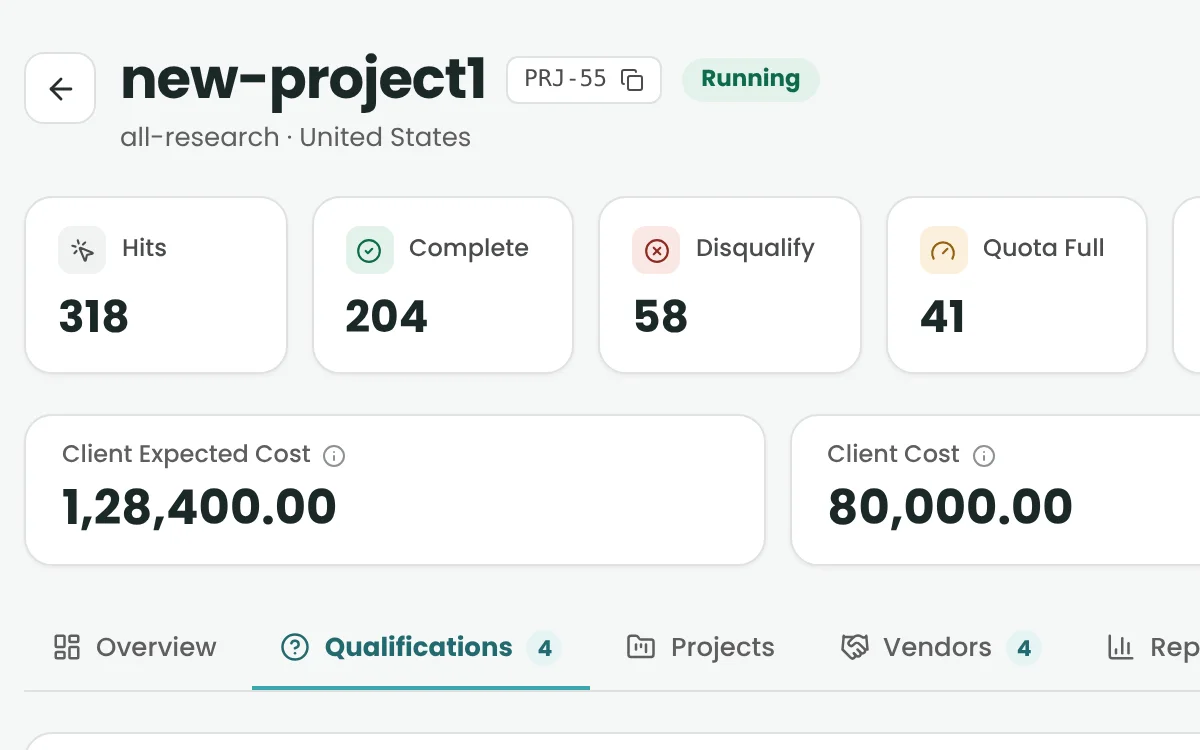
  1. 3Configure ProjectsSet up research requirements, qualifications, links and project settings.
  2. 4Allocate & ExecuteAssign vendors, manage quotas and monitor project delivery.
  3. 5Protect Survey QualityScreen respondents using configured fraud and answer-quality checks.
See related features
03Close and bill
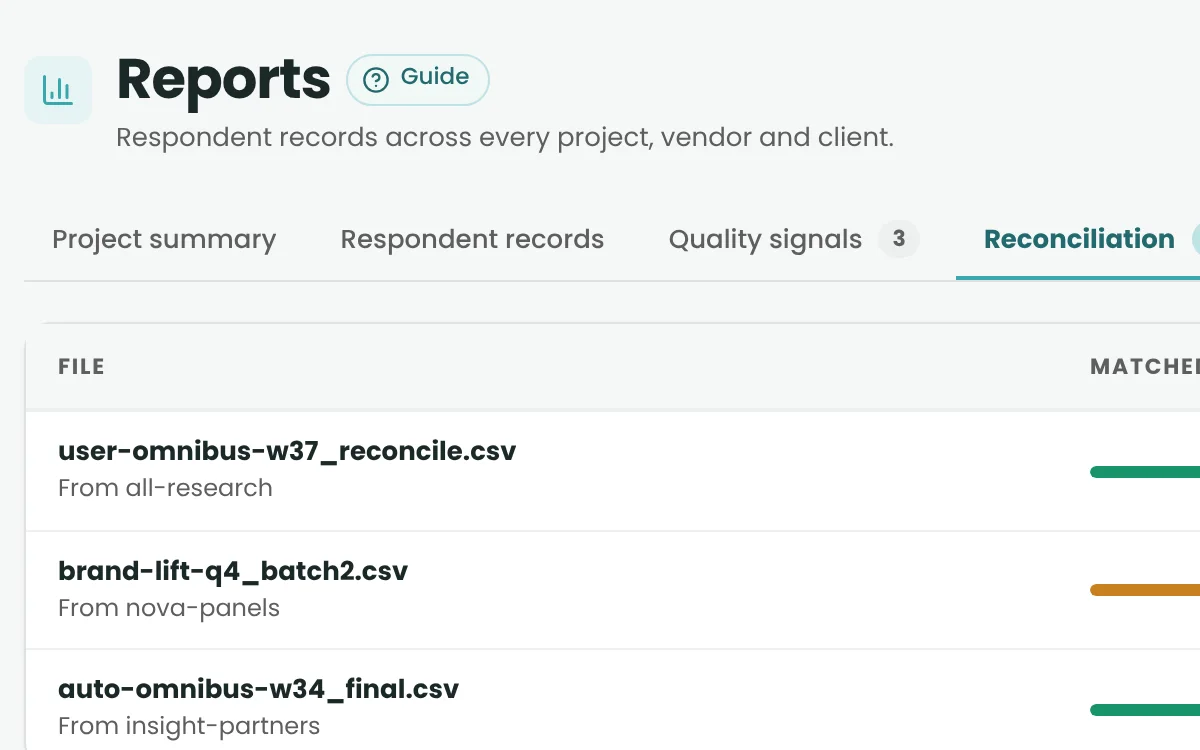
  1. 6Report & ReconcileMonitor results, review respondent data and process reconciliation files.
  2. 7Invoice & CloseGenerate client and vendor invoices based on delivered and reconciled work.
See related features

Features in detail

Every module, up close.

Pick a feature to see what it does inside A2B Insights.

Sales & RFQ Management

Never lose track of a research opportunity.

  • Client RFQ Desk

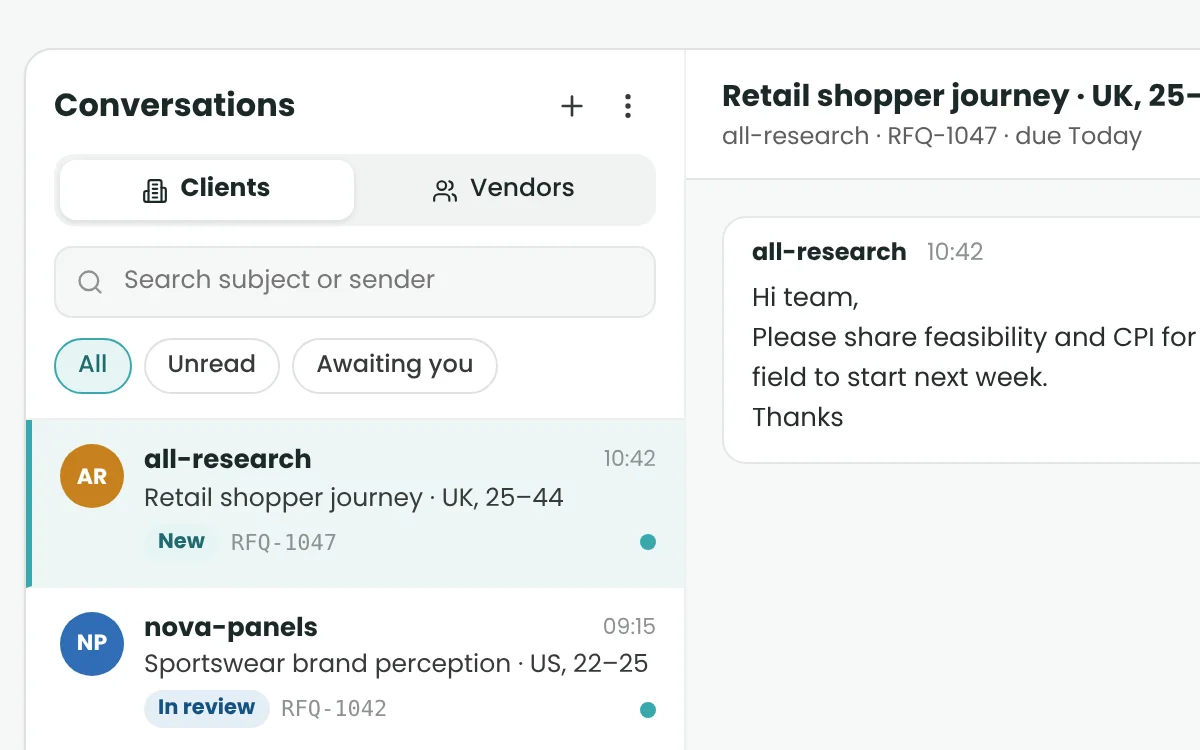
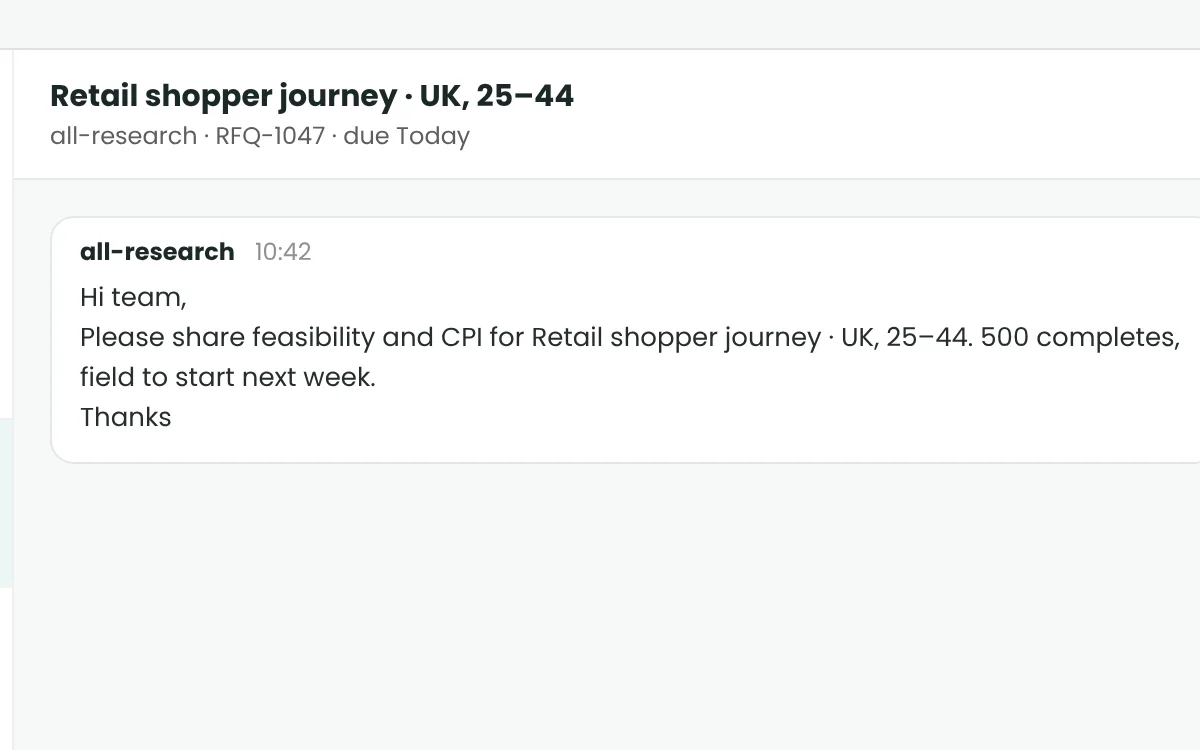
    Turn client emails into tracked RFQs – from New to Won or Lost.

  • Client Quotation Preparation

    Build quotes fast, with past-project pricing as a reference.

  • Vendor RFQ Rounds

    Ask several vendors at once and collect their prices and capacity.

  • Vendor Quote Comparison

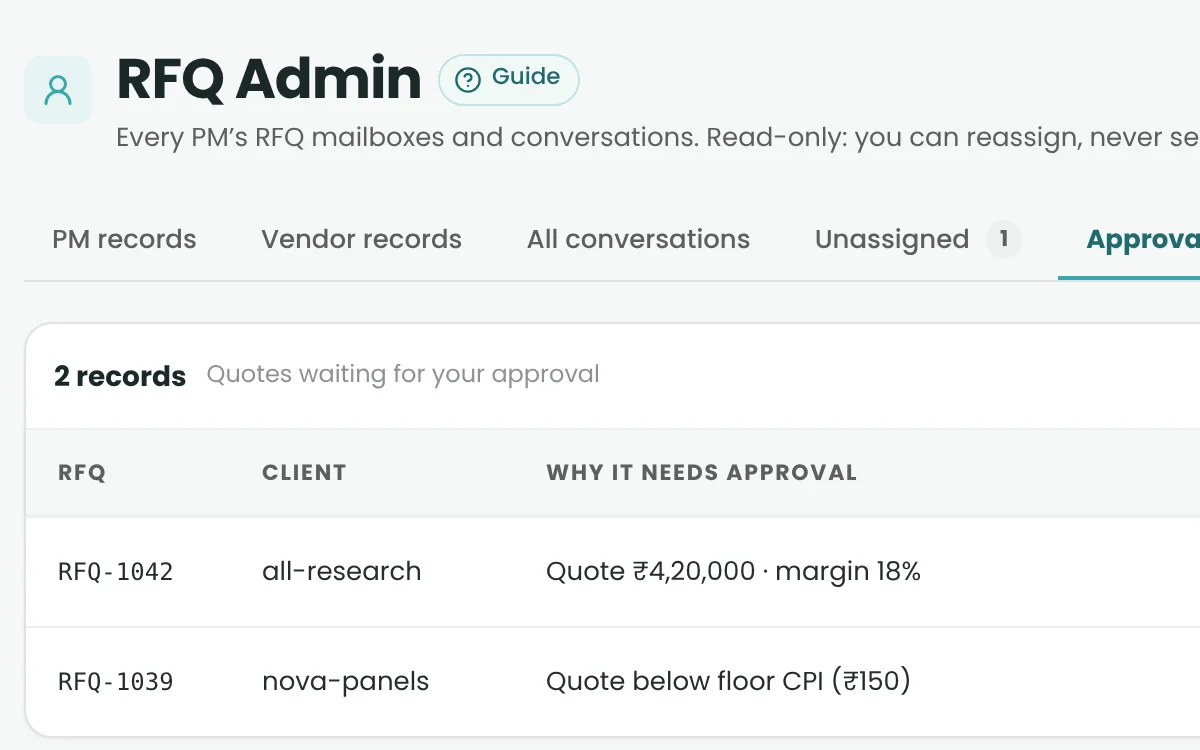
    Compare quotes side by side. Prices over your margin limit go to Admin.

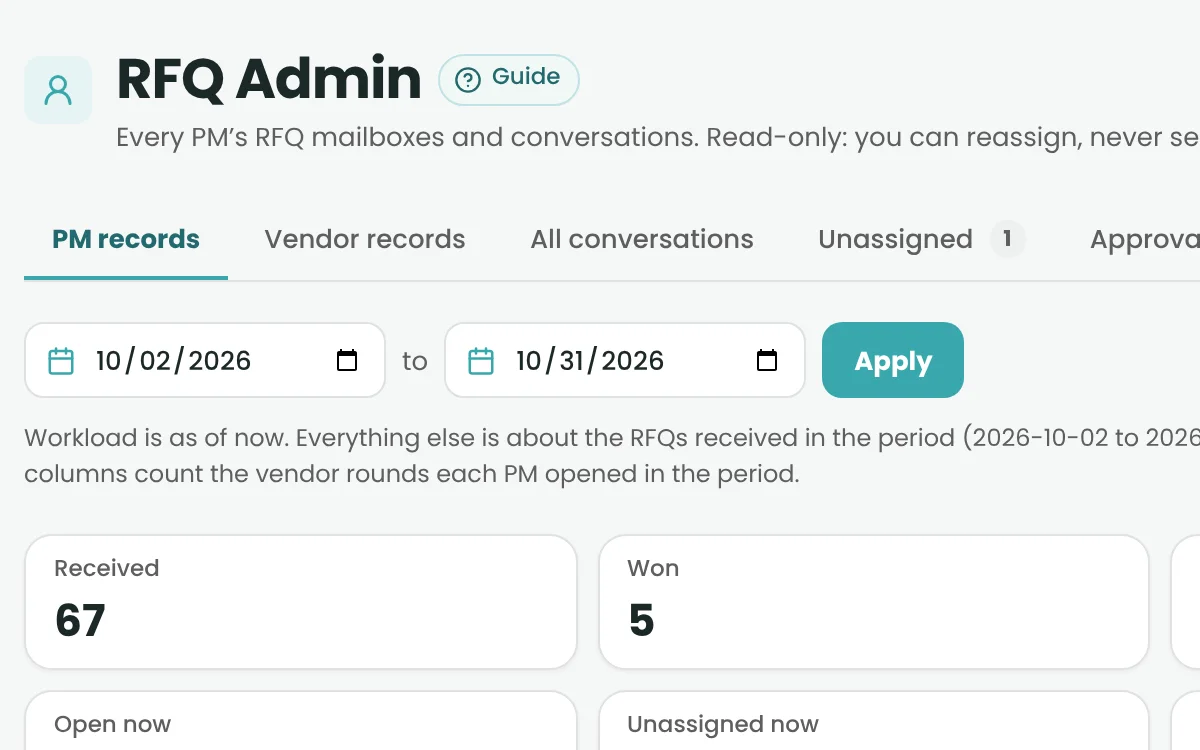
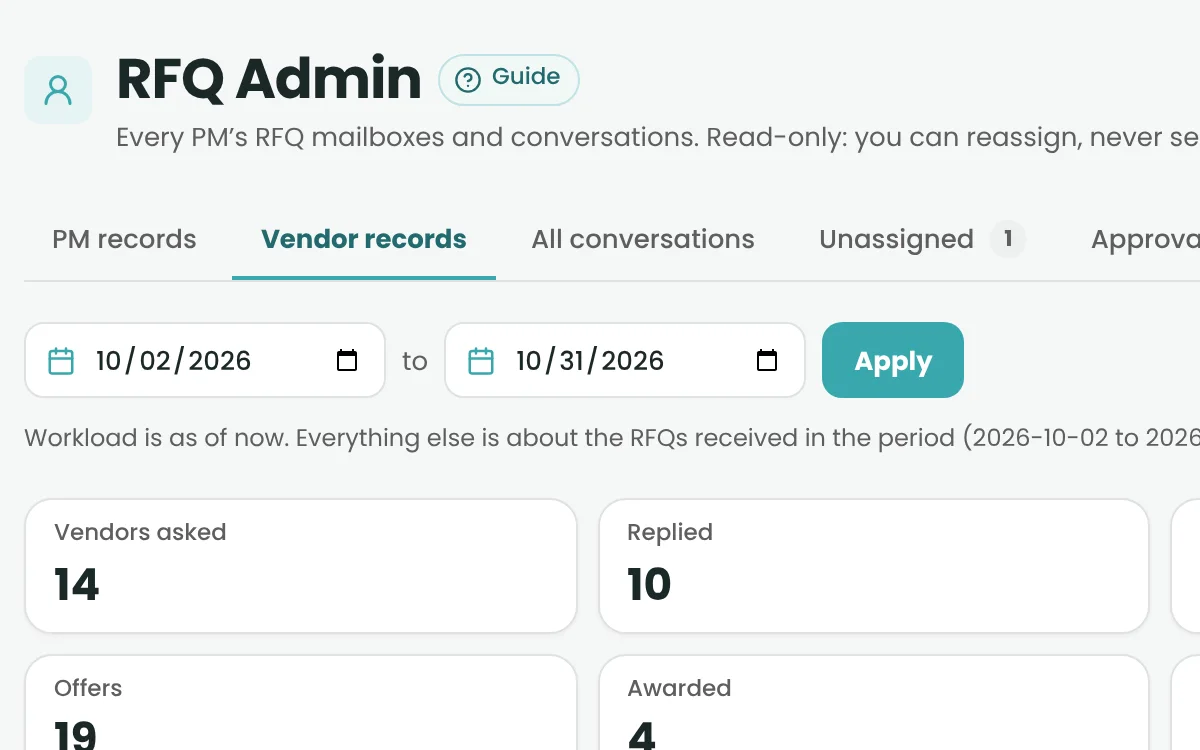
  • RFQ Admin

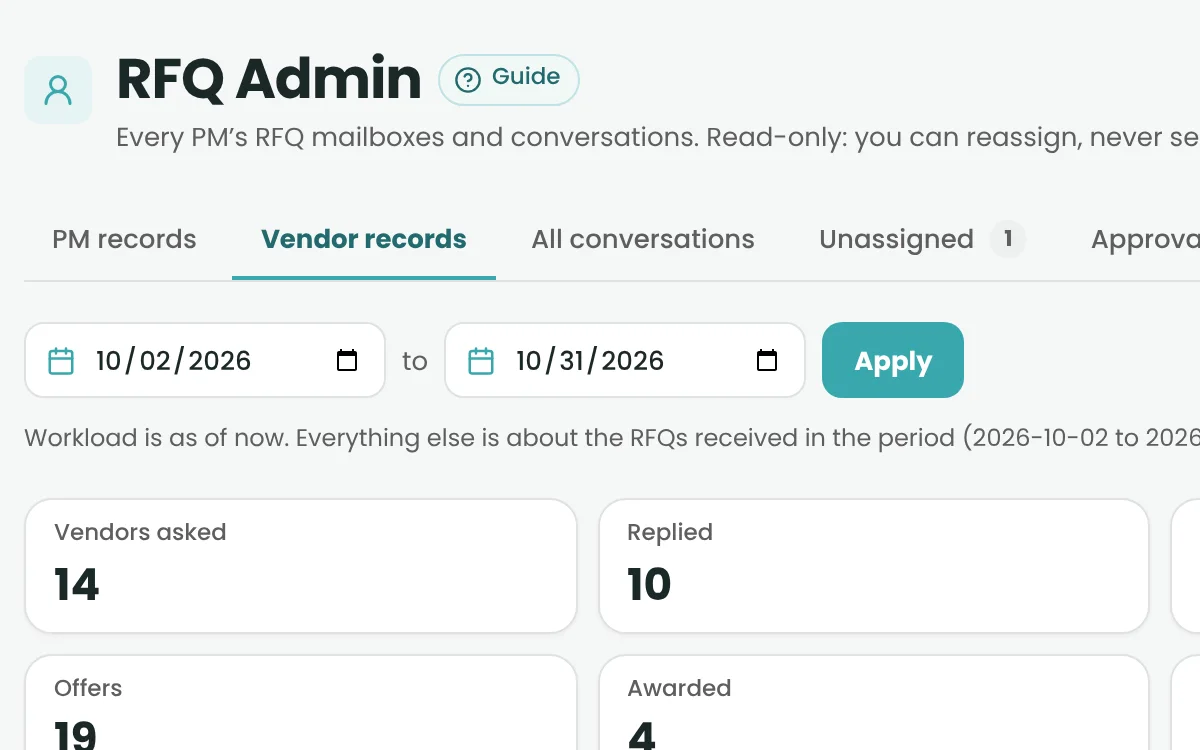
    See every PM’s pipeline, assign shared-inbox mail and manage templates.

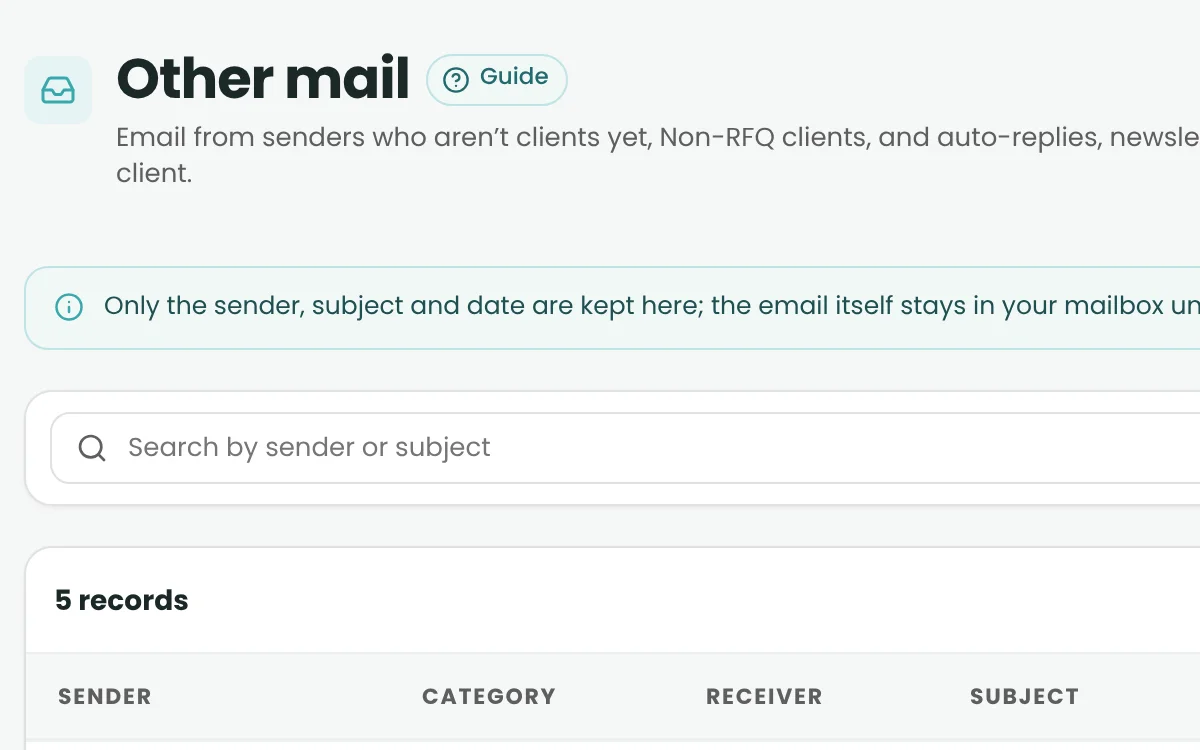
  • Mail Accounts & Other Mail

    Connect Gmail or Hostinger. Non-RFQ mail stays safe in Other Mail.

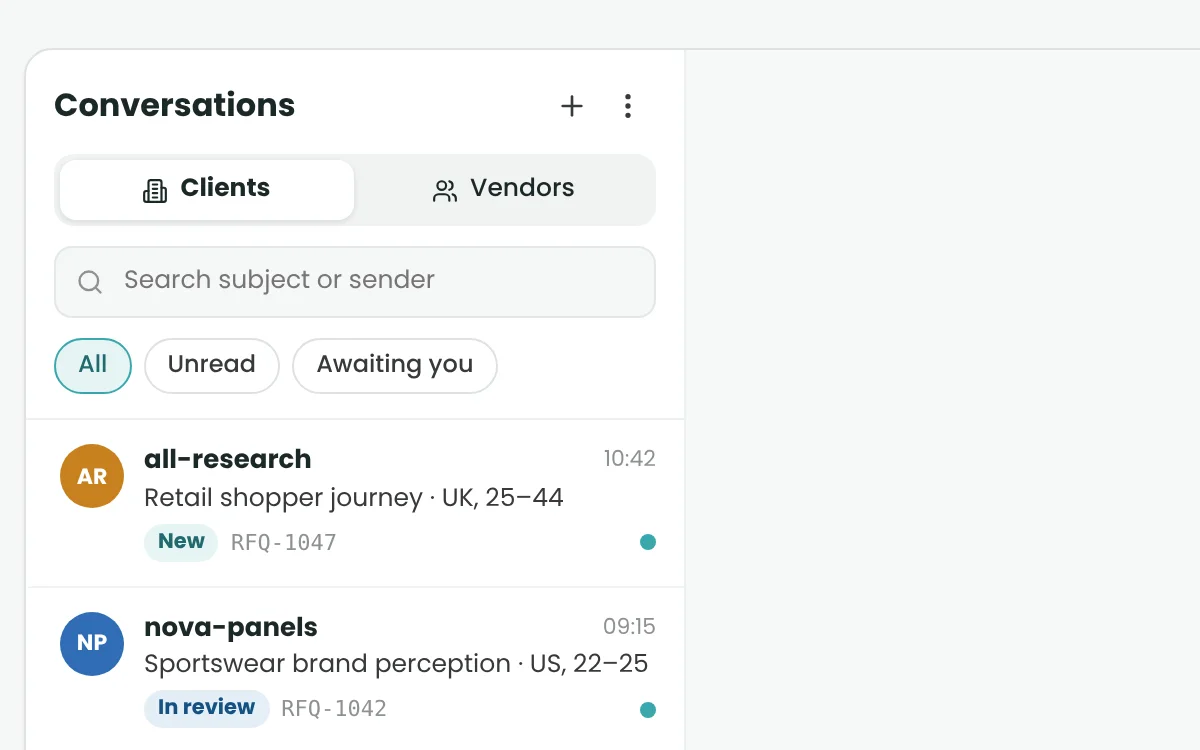
  • Client & Vendor Conversations

    Clients and vendors read their own threads – read-only.

Project & Survey Operations

Turn a won opportunity into a live research project.

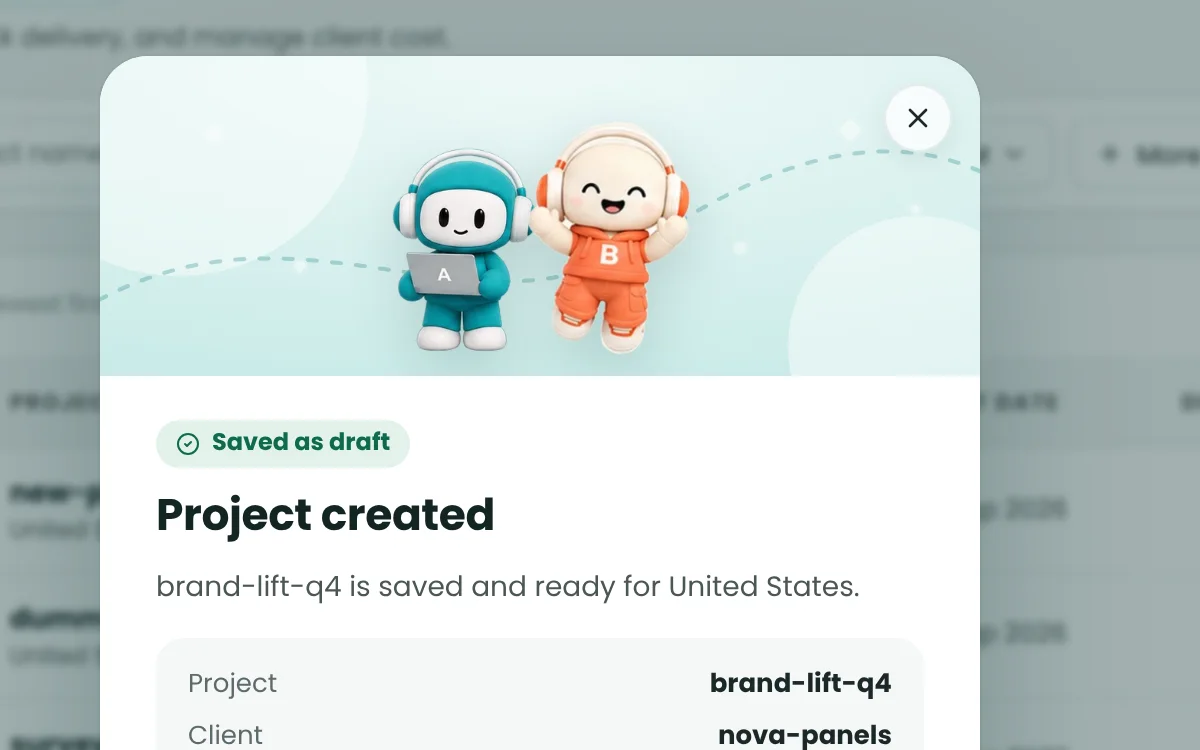
  • Project Creation

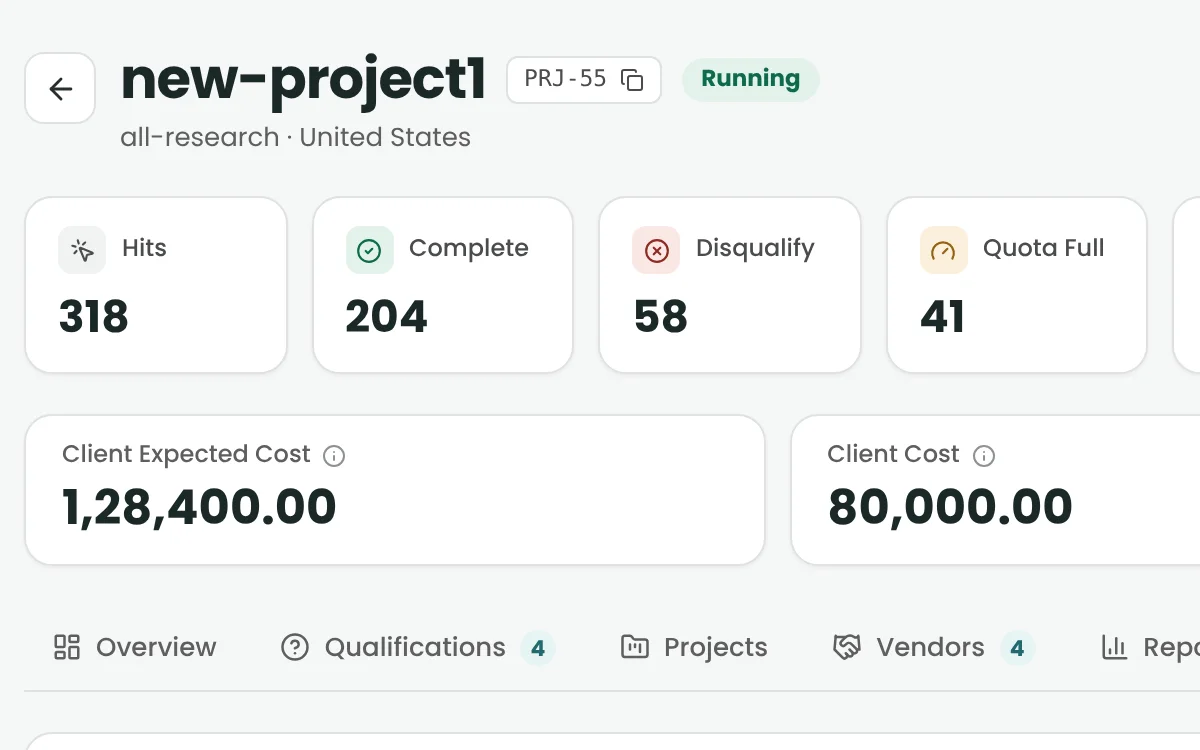
    Turn a won RFQ into a project with targets, LOI, IR, country and dates.

  • Project Editing & Status

    Update details in context, with status and history in view.

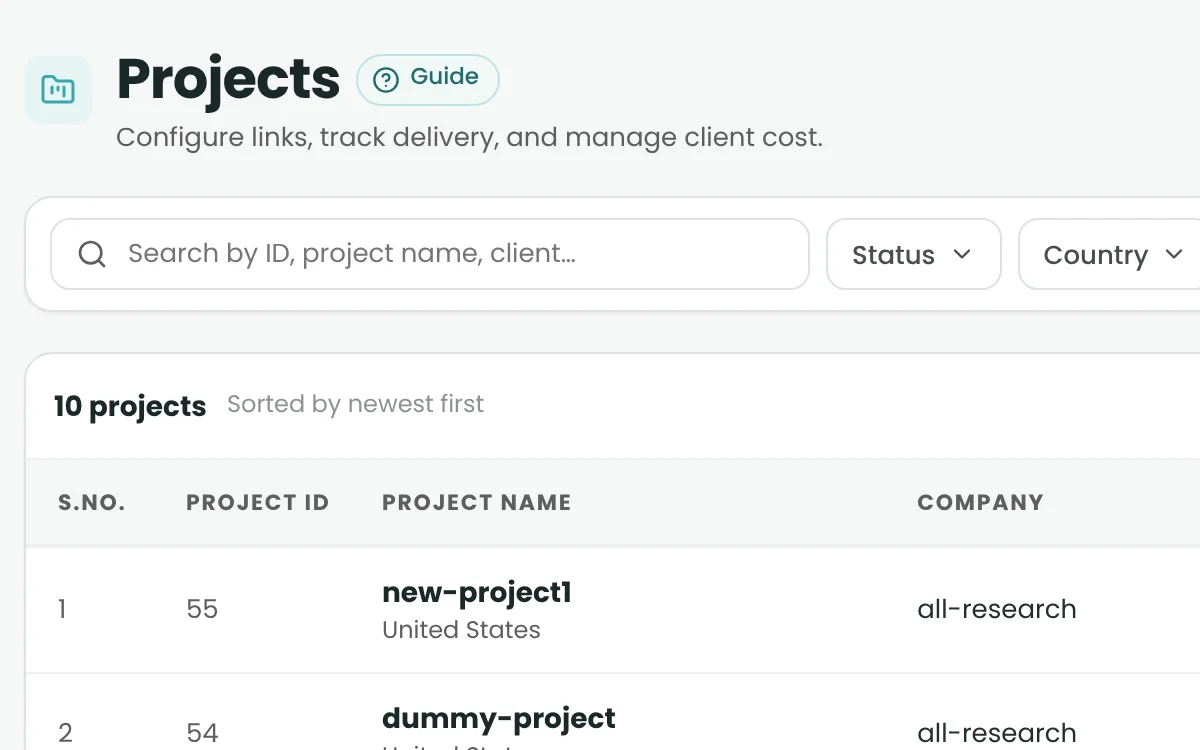
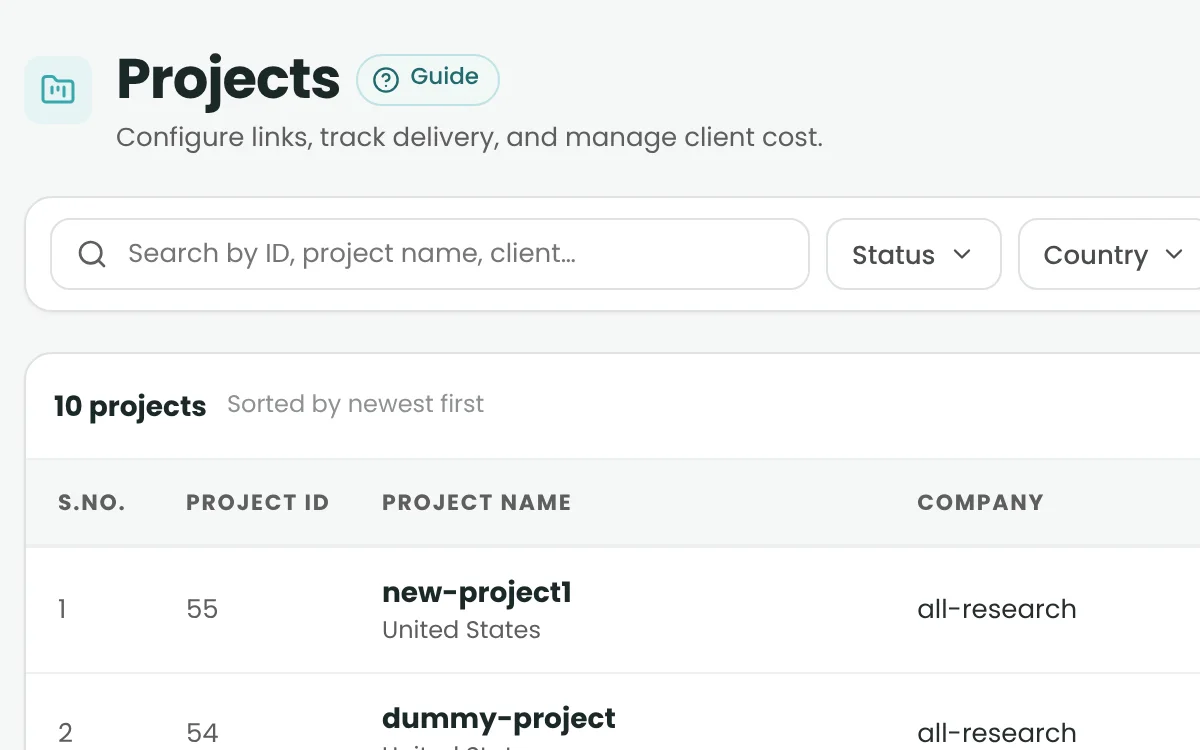
  • Project Listing & Search

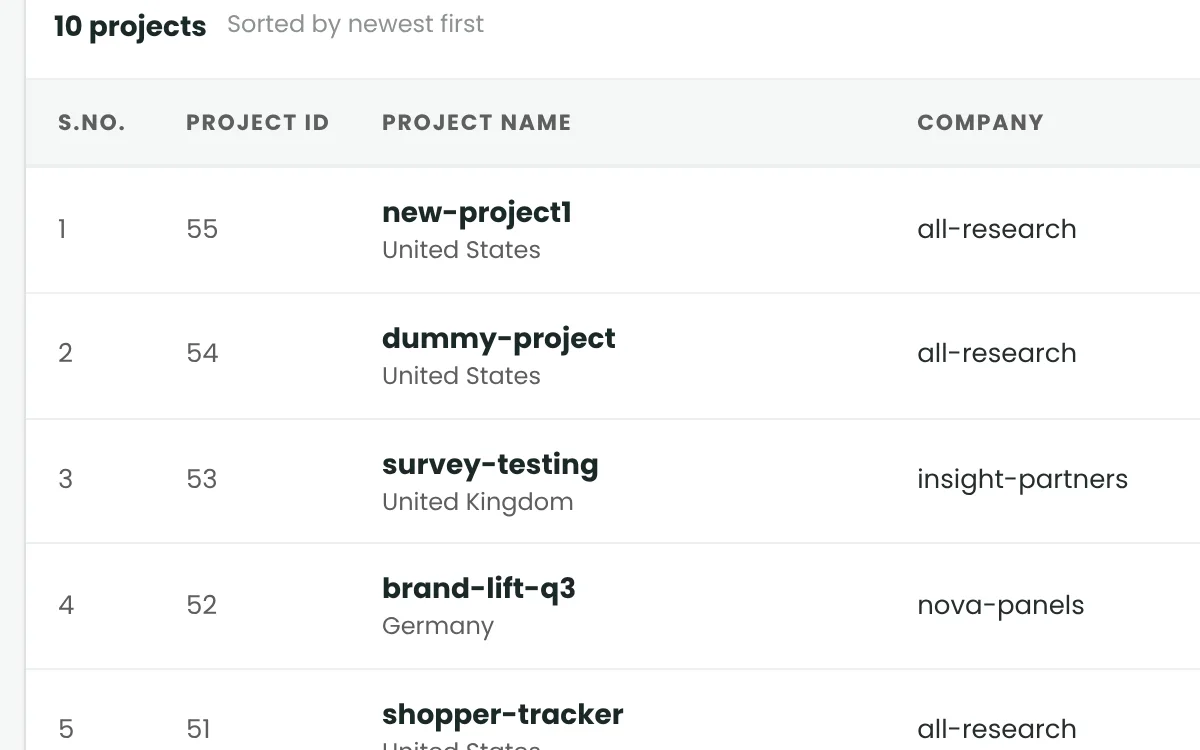
    Find any study by ID, name, client, country or status.

  • Project Status Lifecycle

    Bidding to Closed, with rules that block invalid moves.

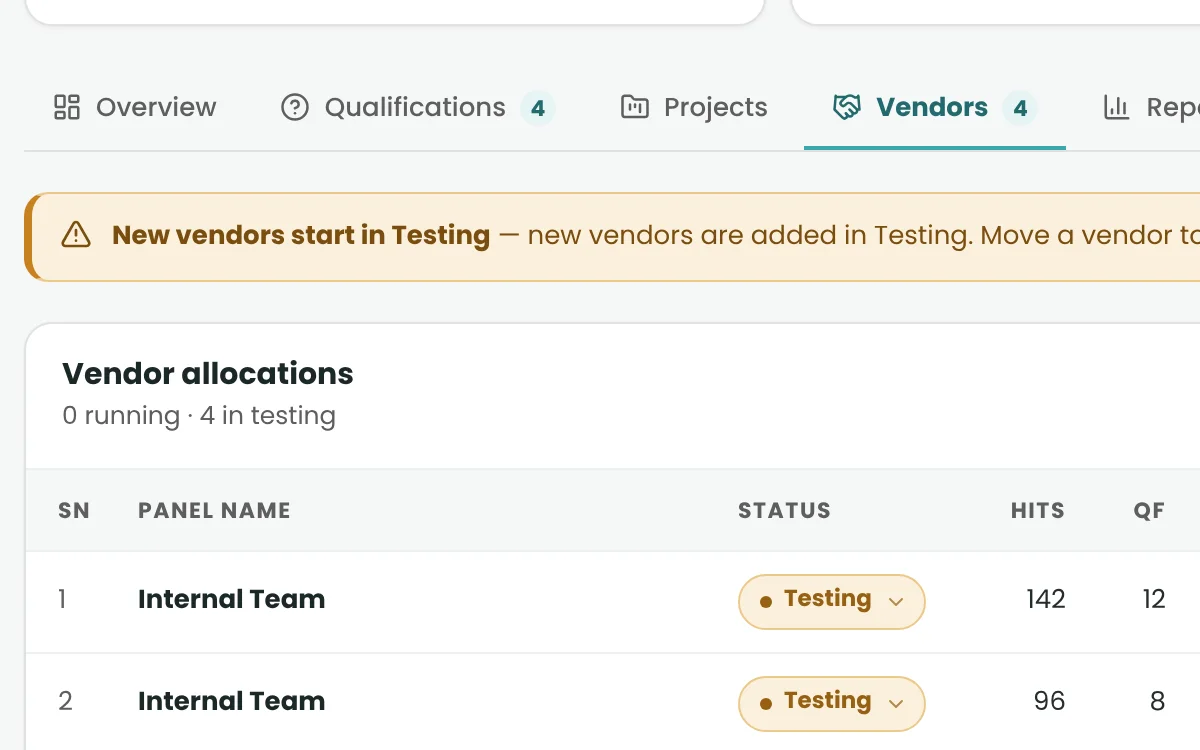
  • Vendors on a Project

    Set CPI, targets and caps per vendor. A vendor pauses at its cap.

  • Test Now

    Walk the real respondent journey. Test clicks never touch live numbers.

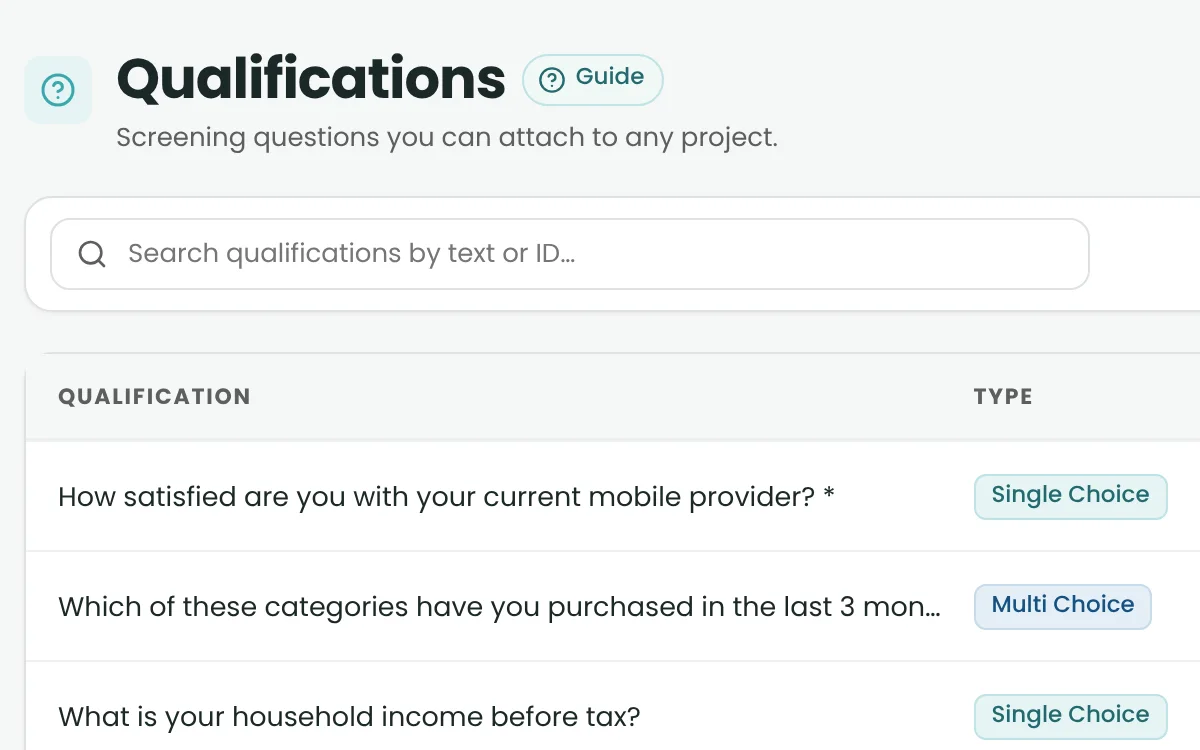
  • Qualifications

    A reusable bank of screening questions that filters before the survey.

  • Survey Router

    One tracked link per vendor. Checks run before anyone reaches the survey.

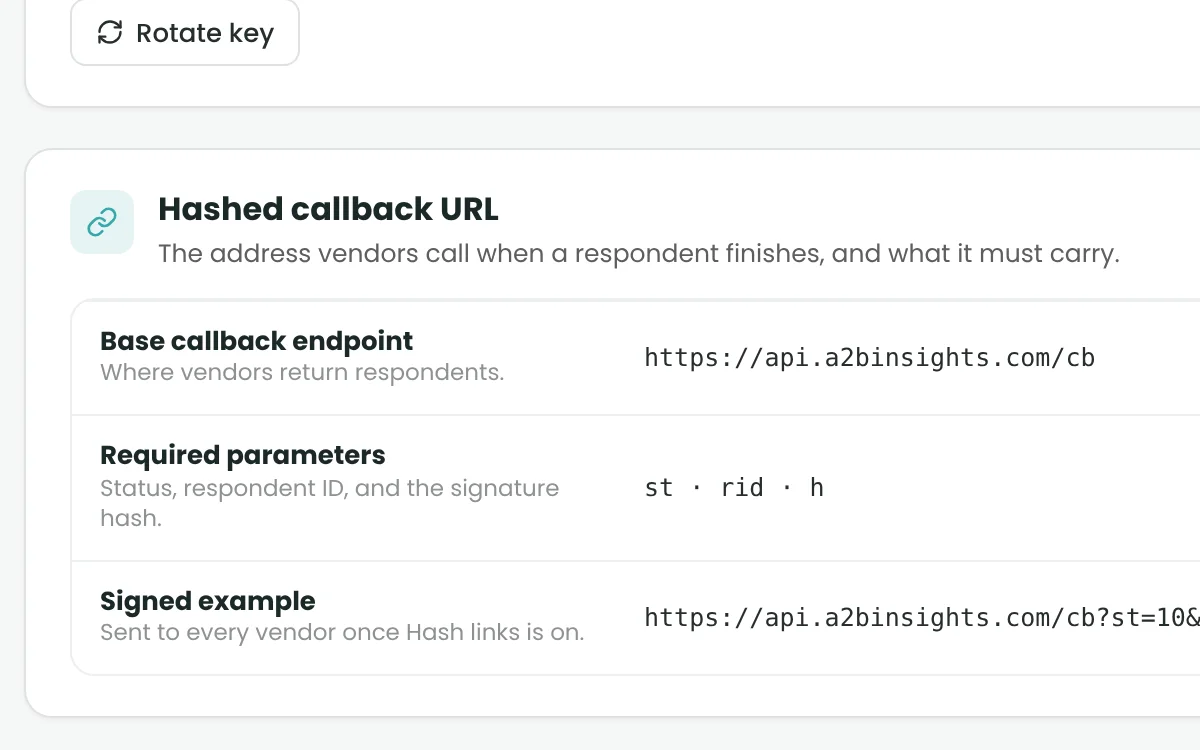
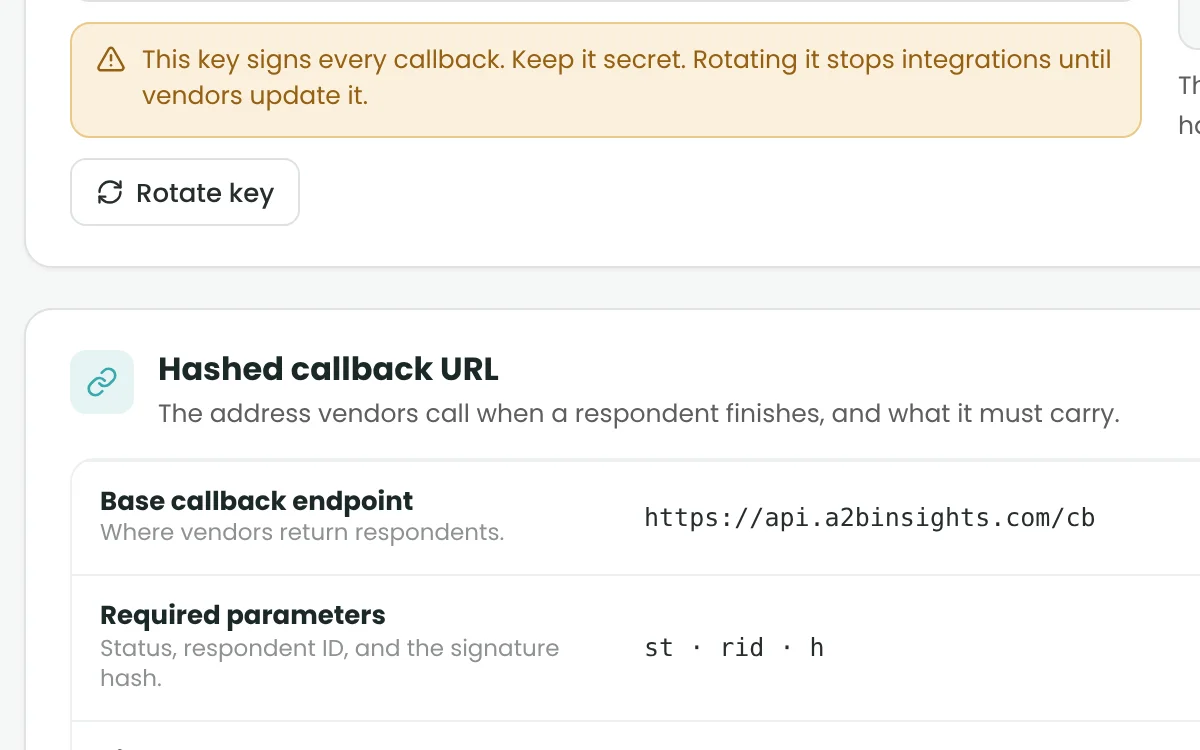
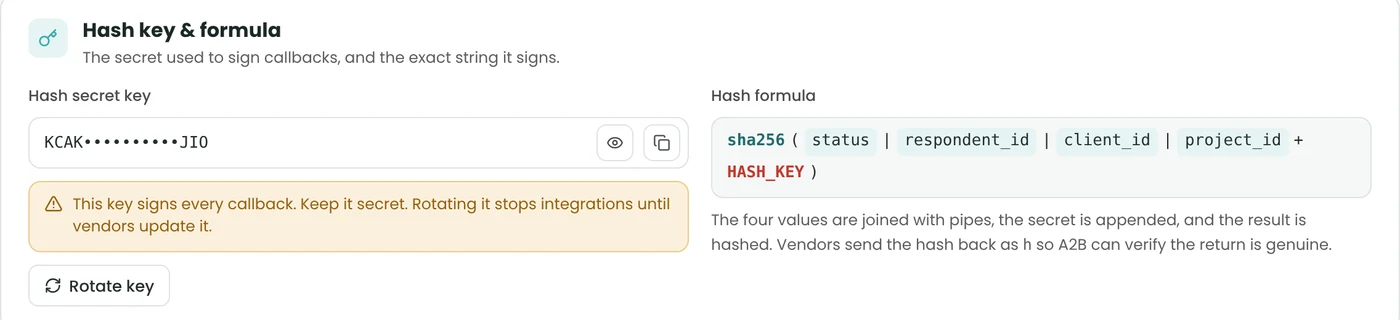
  • Links & Callbacks

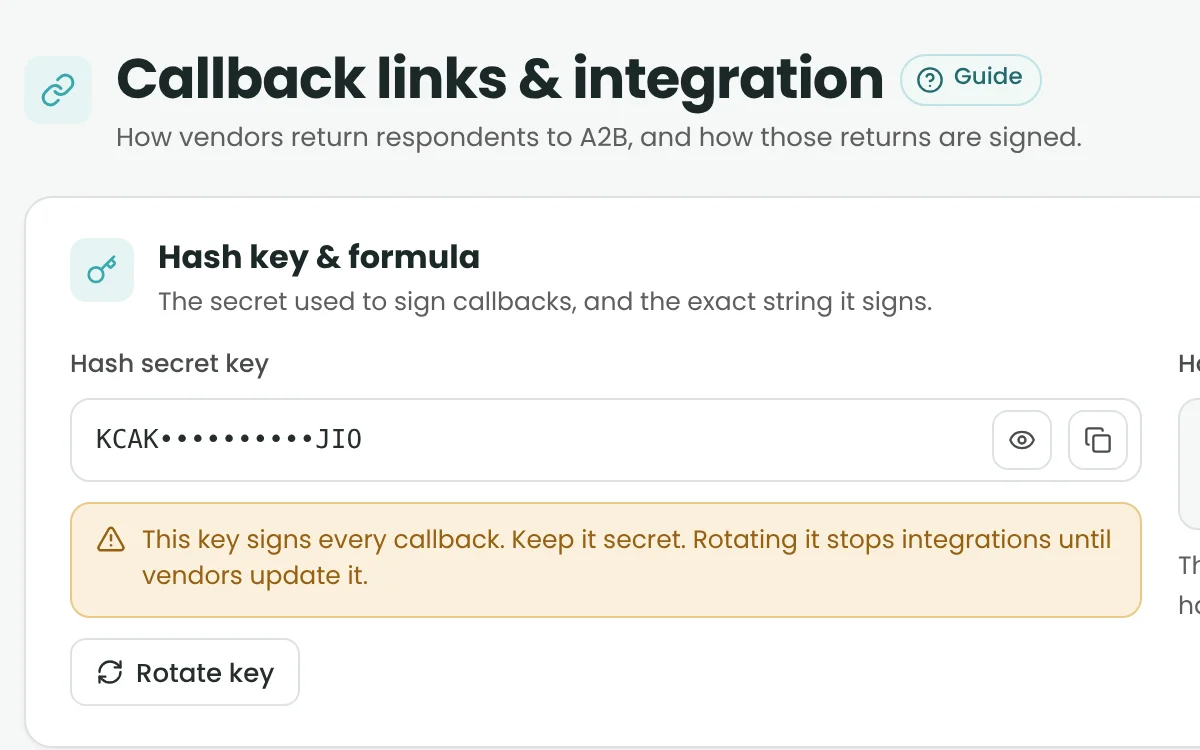
    Return links for every outcome, test and live, with encrypted callbacks.

  • Client API Data & Supplier Feeds
    Turn supply-feed opportunities into projects without re-typing.

Client & Vendor Management

One connected place for clients and vendors.

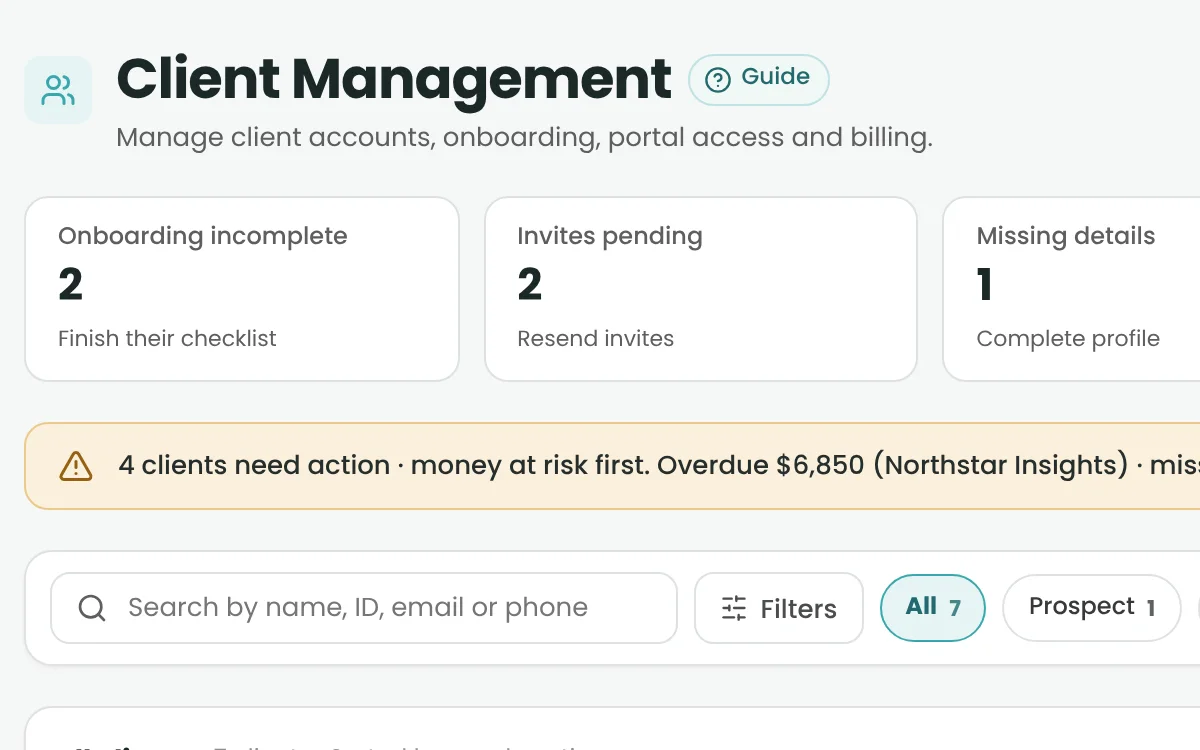
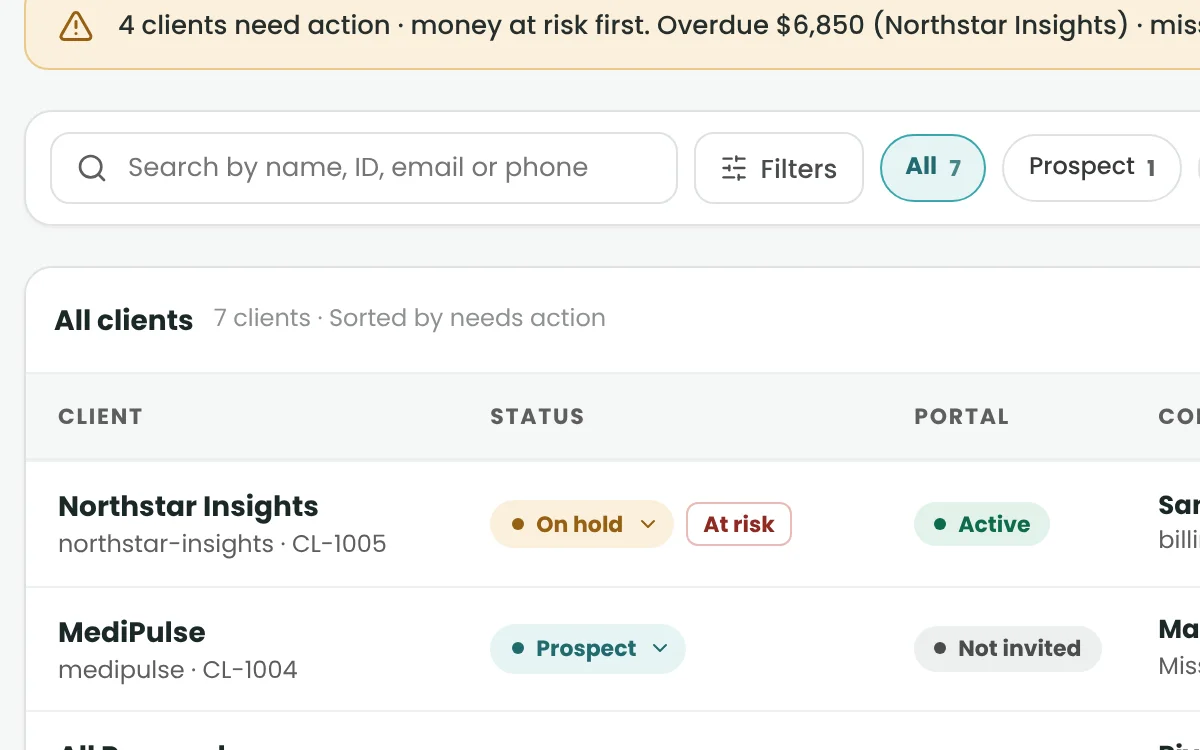
  • All Clients

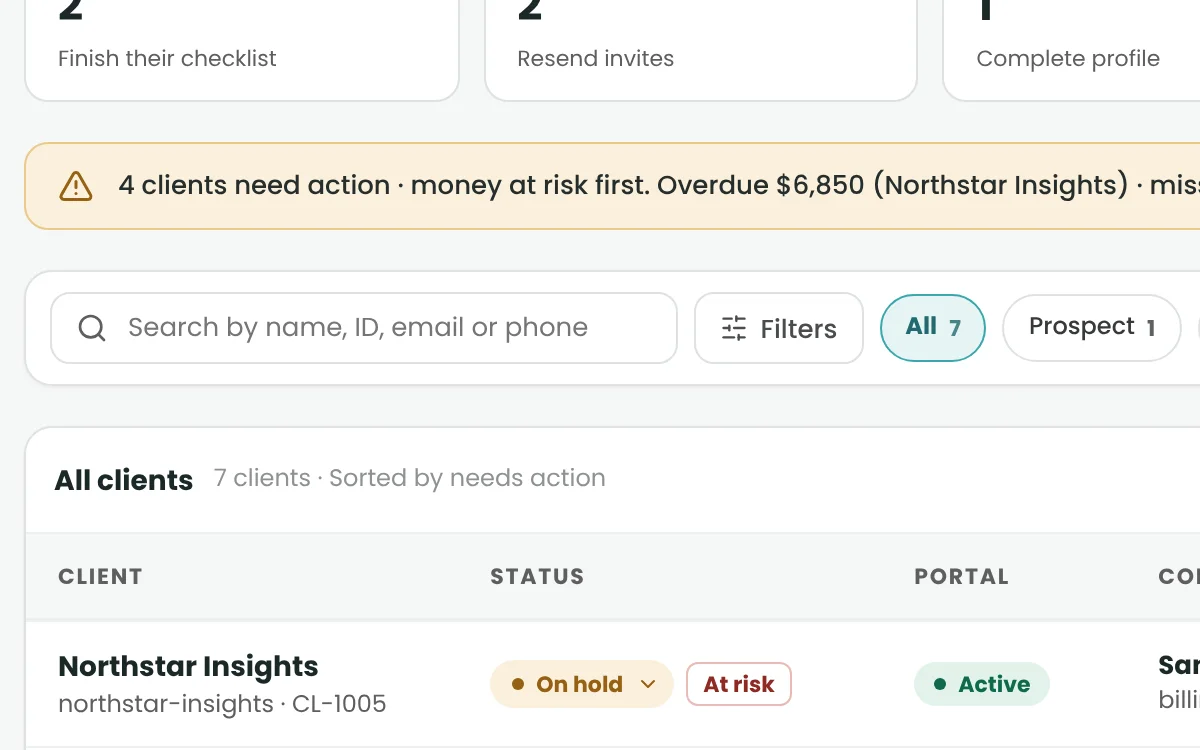
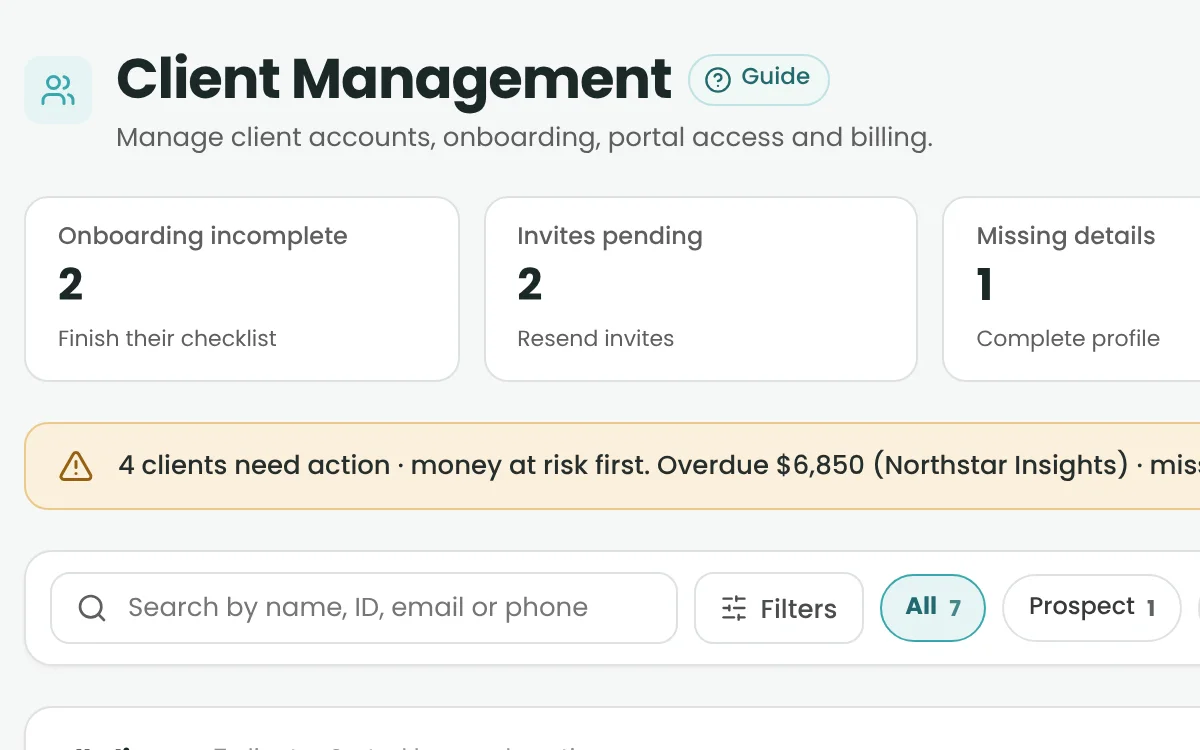
    Profiles, billing, credit limits, invoices and documents in one record.

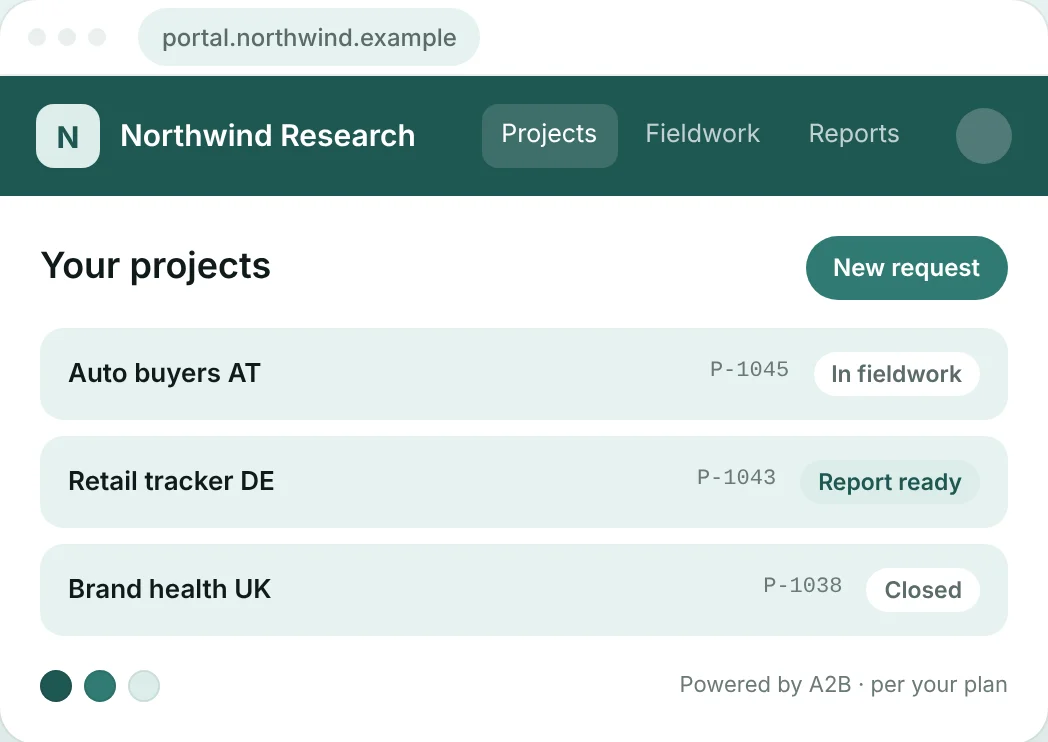
  • Client Portal

    Clients follow their projects and download reports – vendor payouts stay hidden.

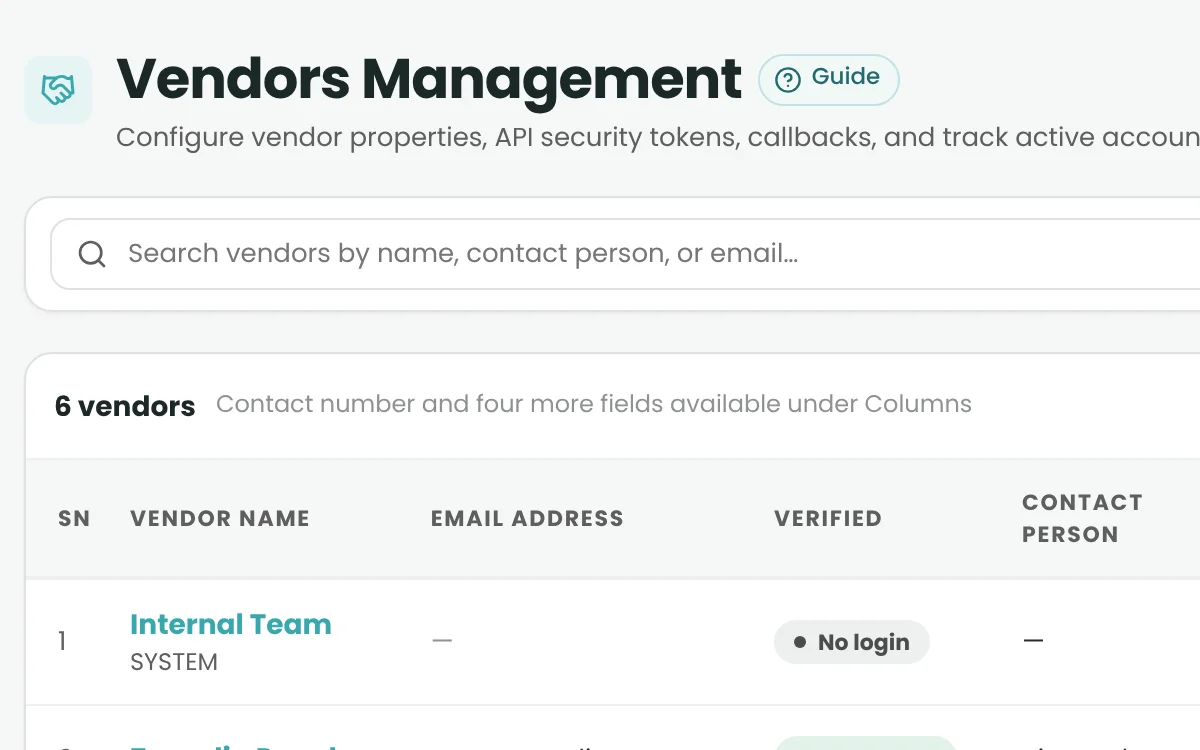
  • Vendor Management & Onboarding

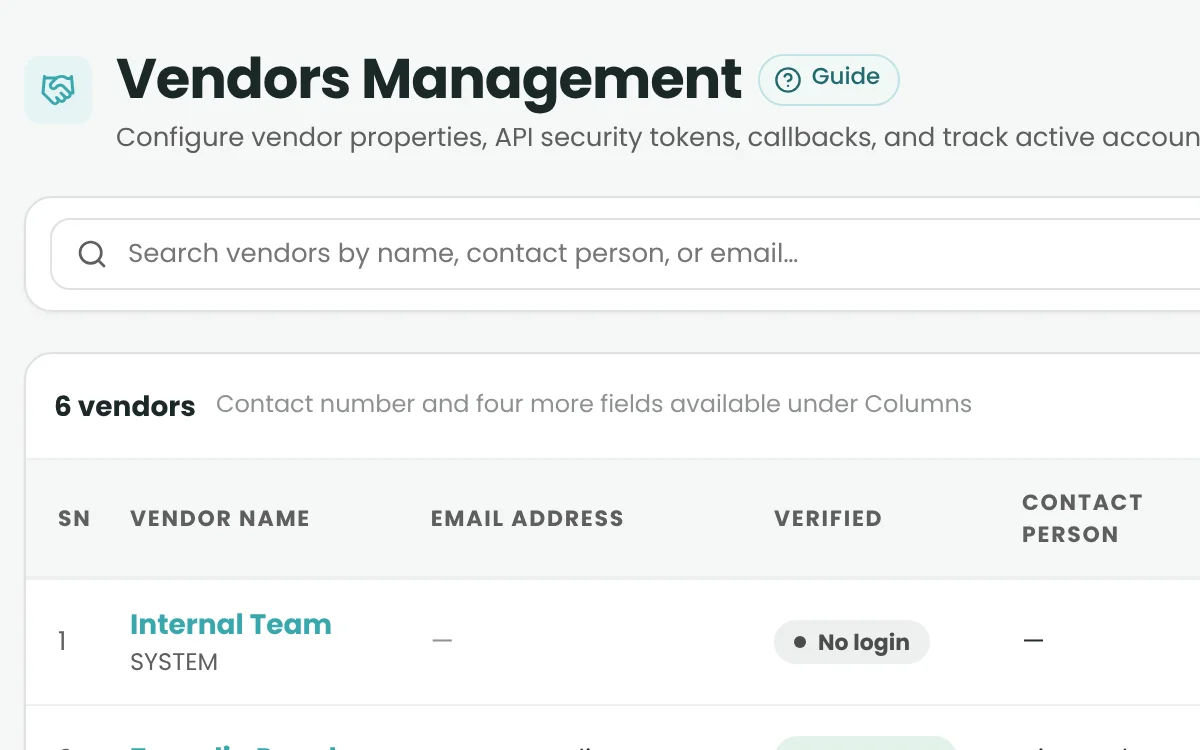
    See which vendors are ready: profile, links, billing and documents.

  • Vendor Self-Service Portal

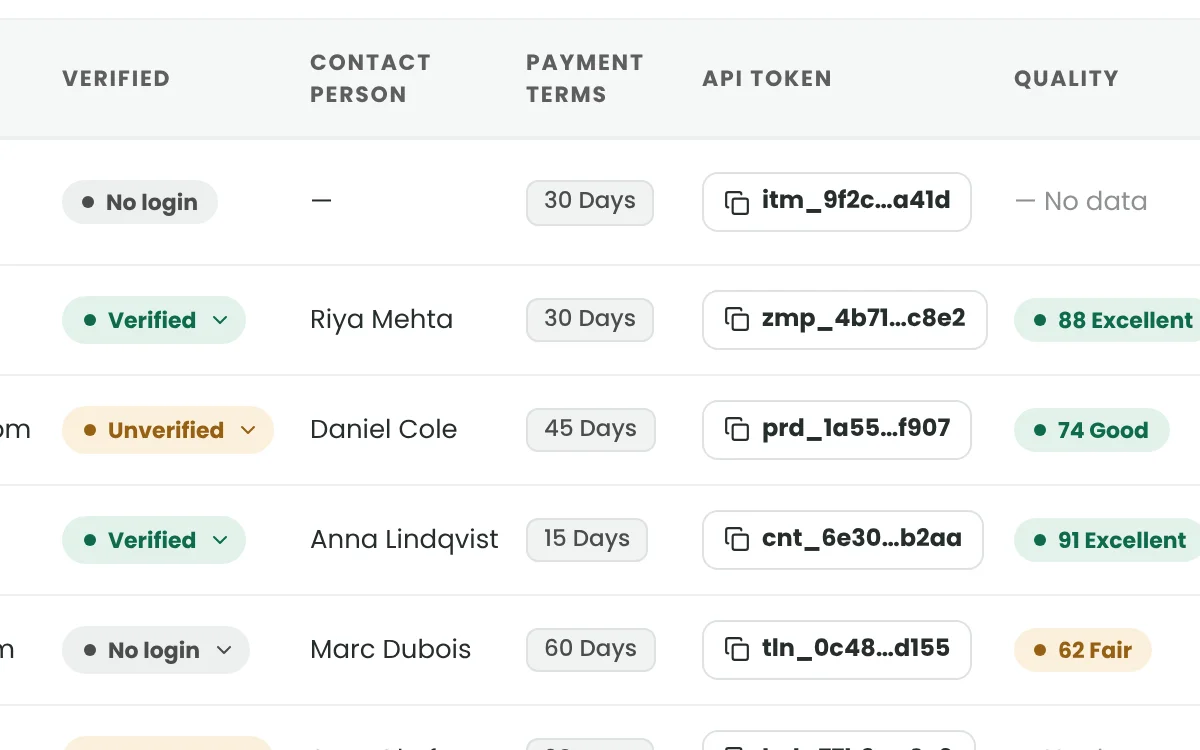
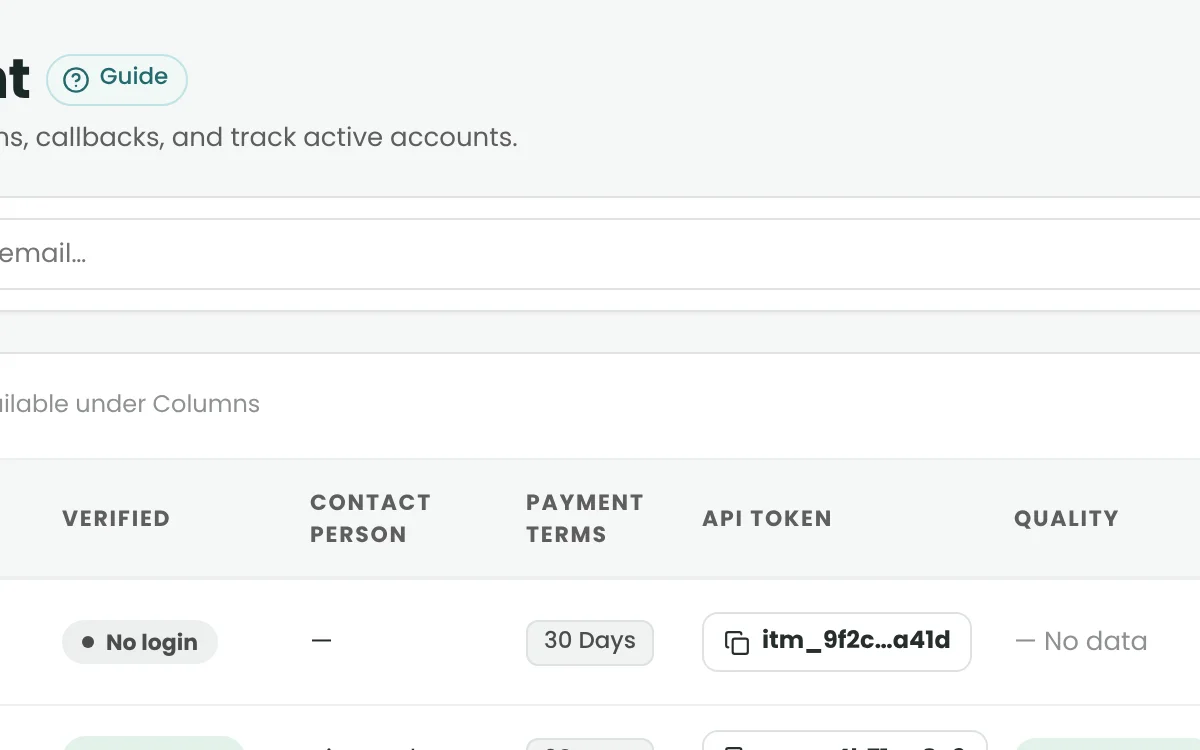
    Vendors keep their own details, links, documents and API keys up to date.

  • Client & Vendor Scorecards

    Quality and Performance scores, from Excellent to High Risk.

  • Account Manager Dashboards

    Each manager sees only the accounts they look after.

  • Notifications

    One bell for invoices, reconciliations, RFQ replies and ready reports.

Panel, Respondent & Fraud Quality

Quality checks before survey entry.

  • VPN, Proxy, Tor & Private Relay Checks

    Spot risky networks at survey entry – whenever you switch the check on.

  • Geo Exclusion

    Keep each survey to the country it was built for.

  • Device Fingerprint Detection

    Flag repeat attempts from the same device.

  • Human Verification (reCAPTCHA)

    Add a human check before the survey opens.

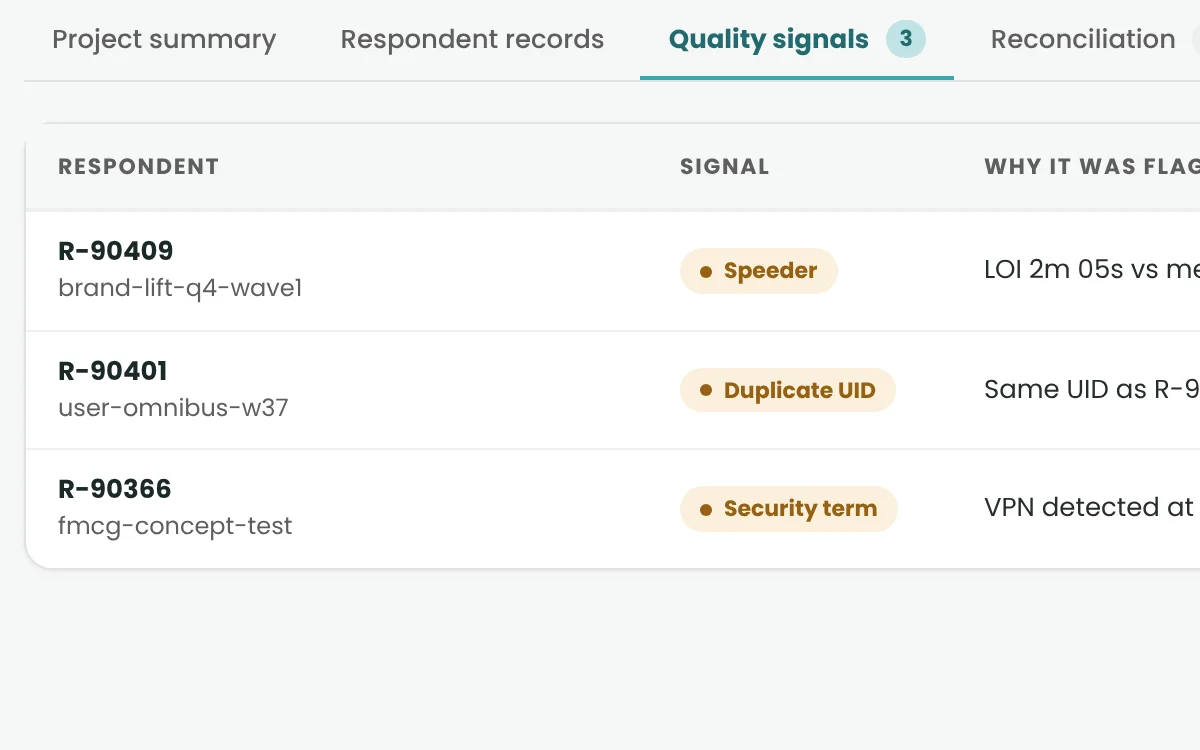
  • Answered Too Fast & Straightlining

    Catch rushed or patterned screening answers.

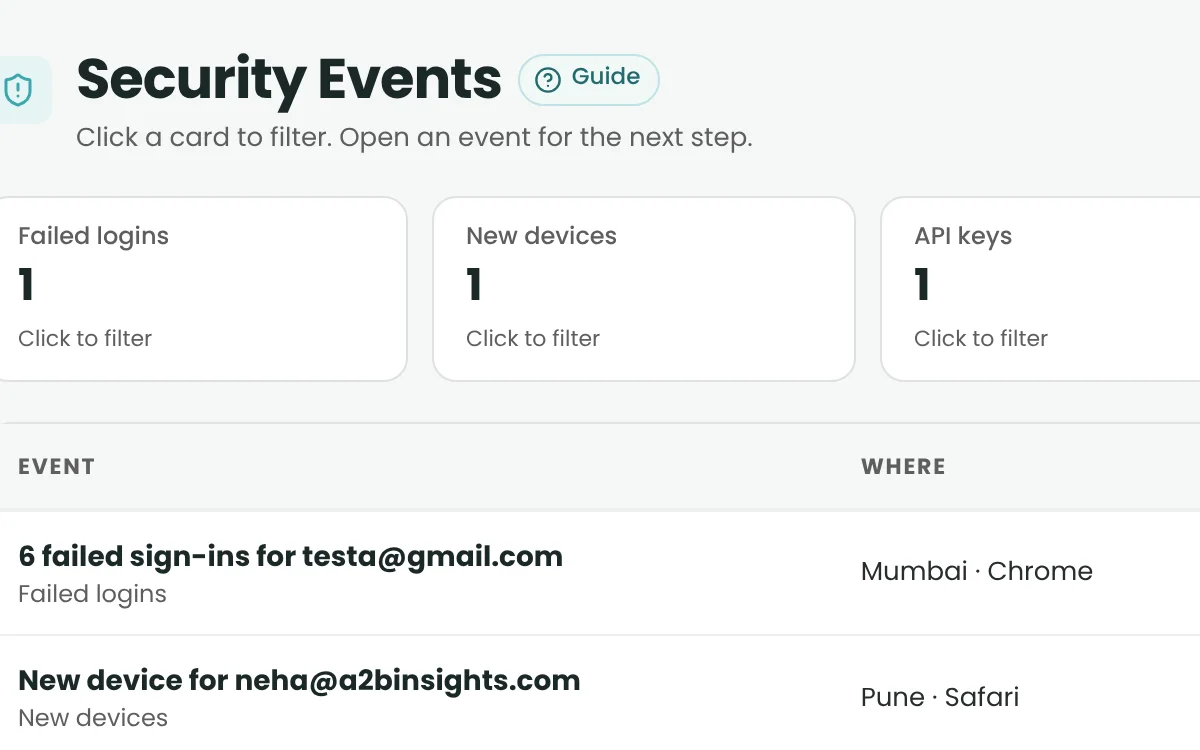
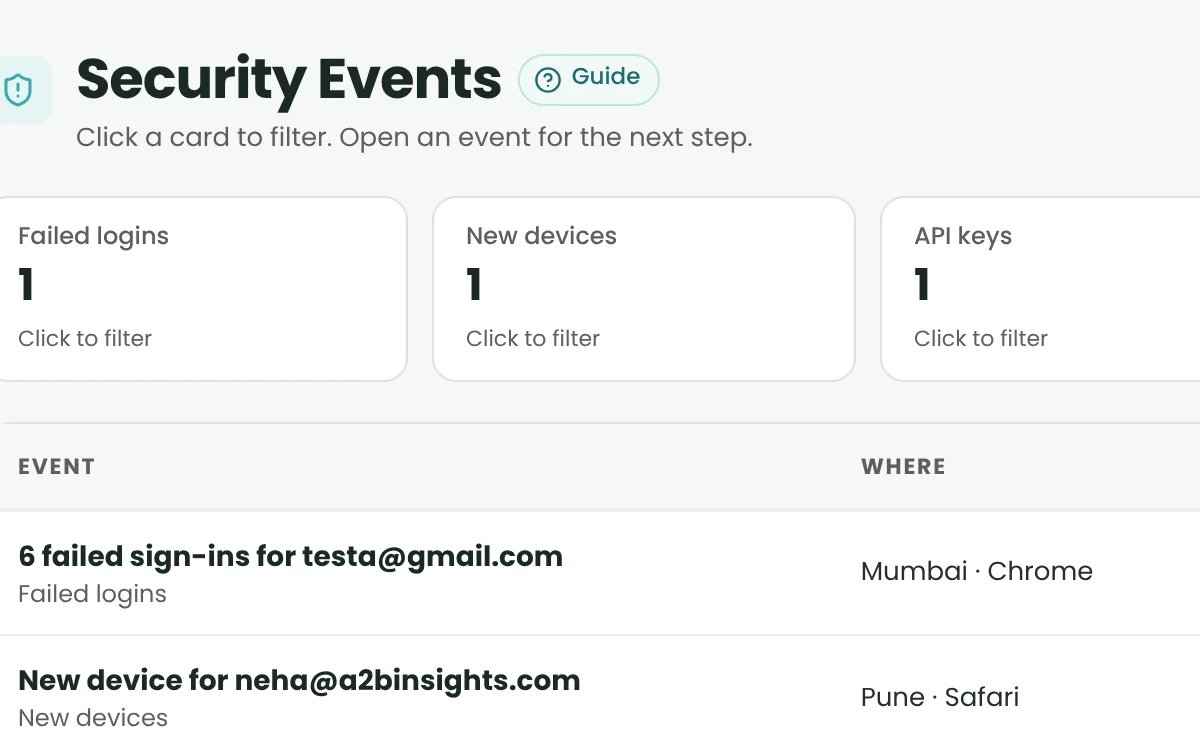
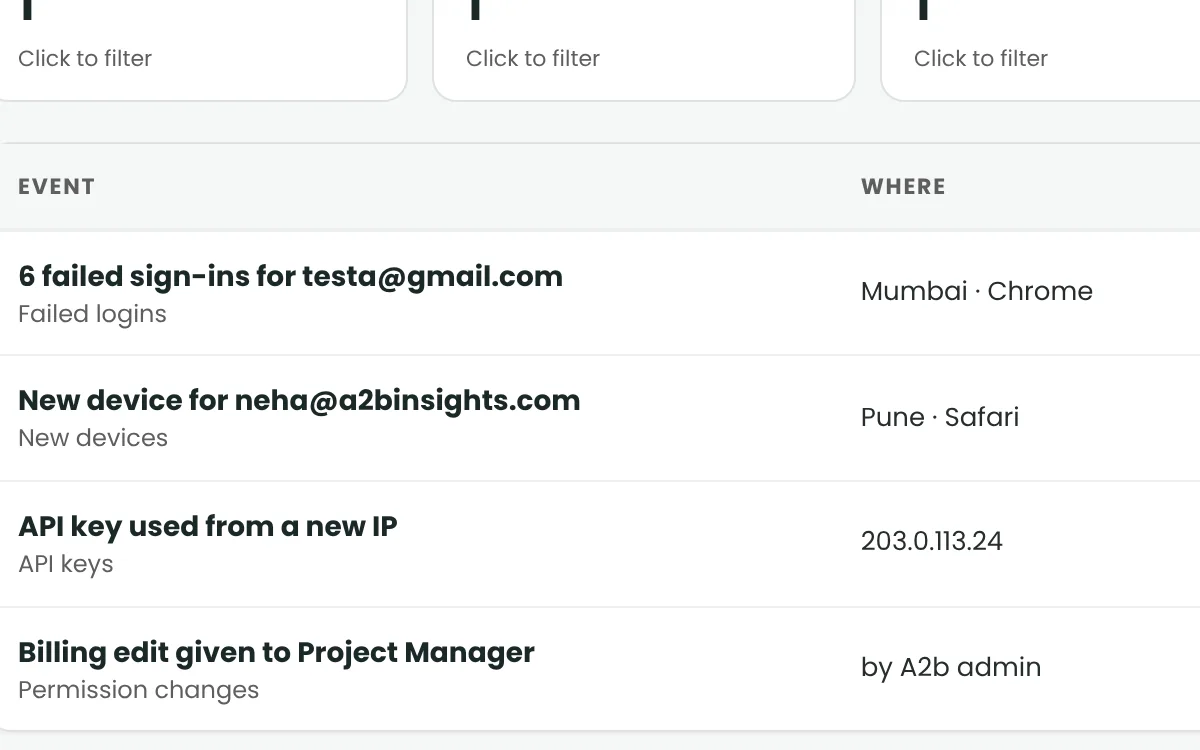
  • Security Events

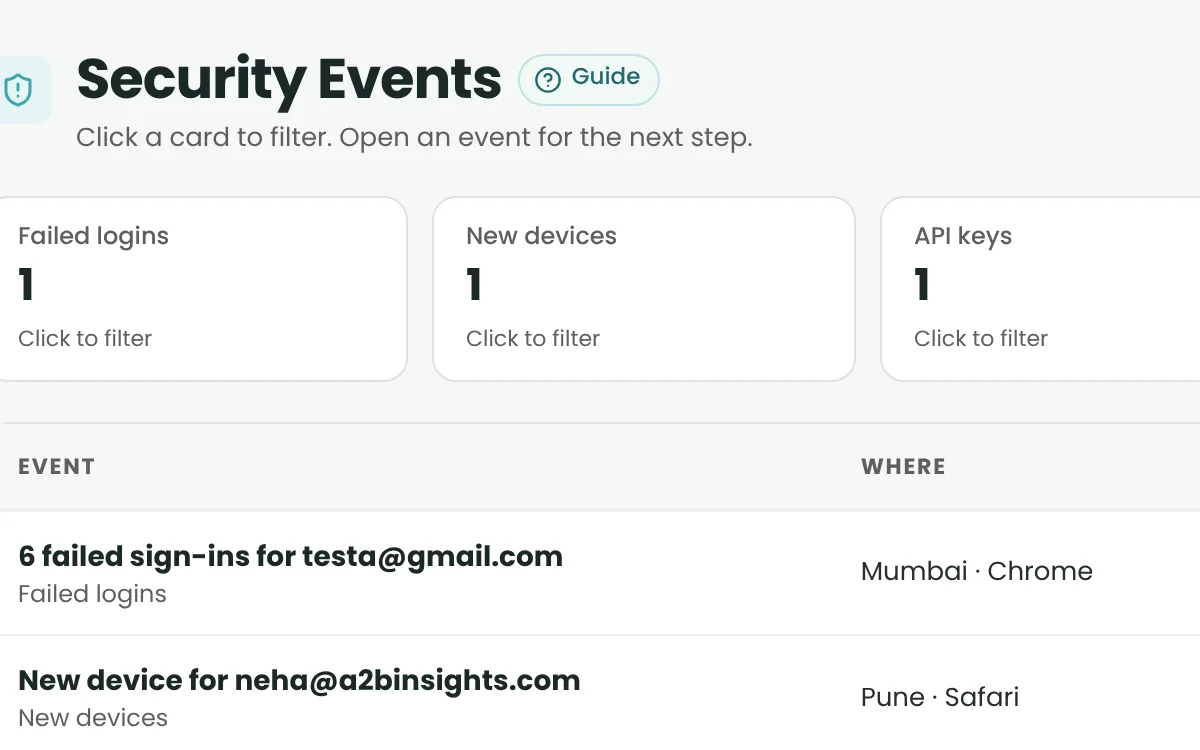
    See why and where a respondent was blocked – for authorised staff only.

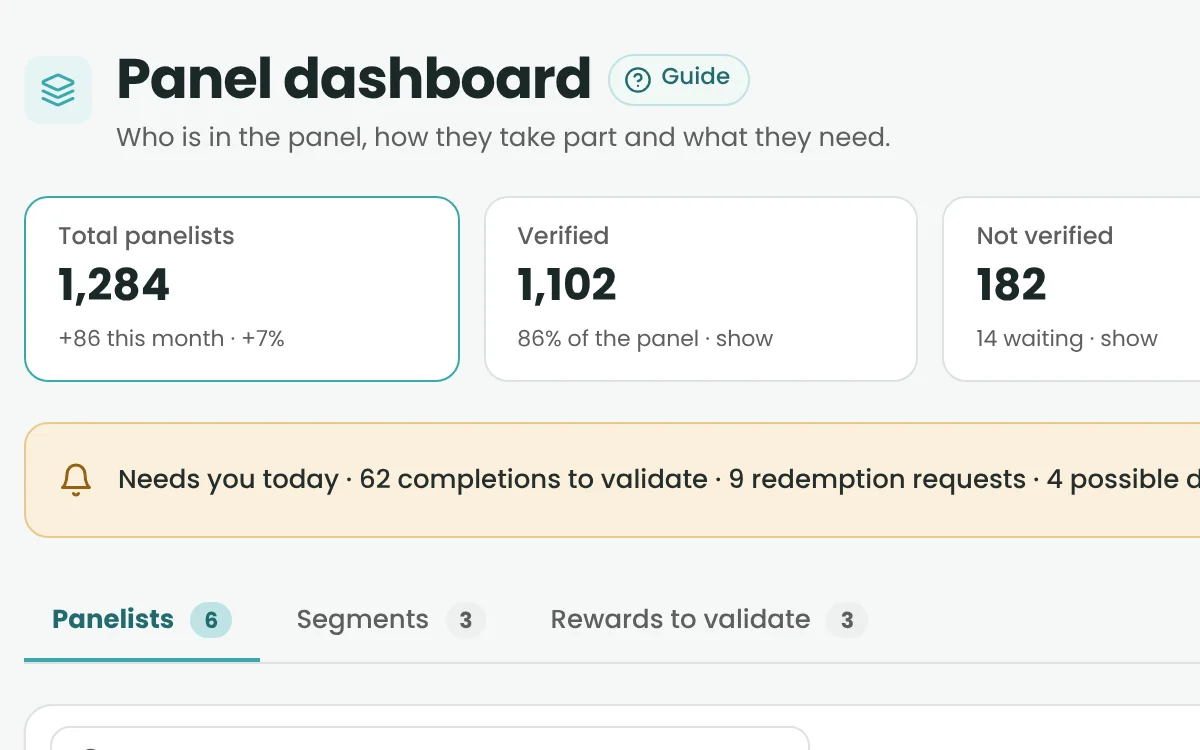
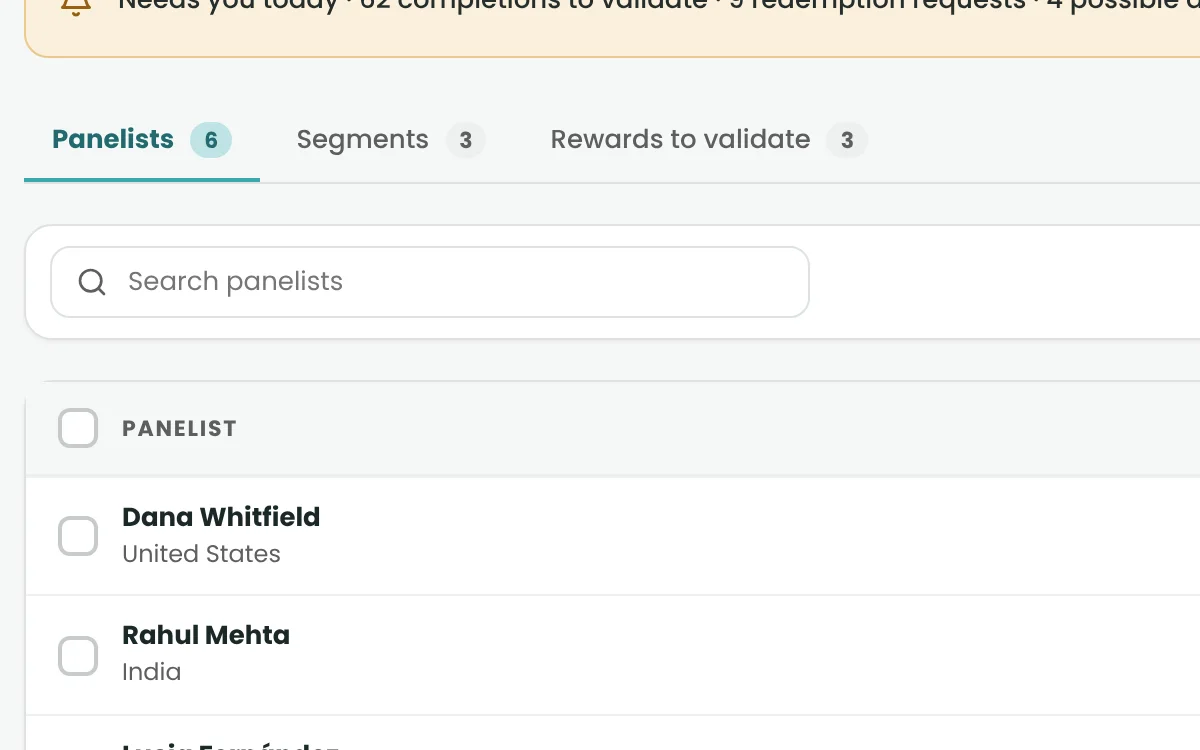
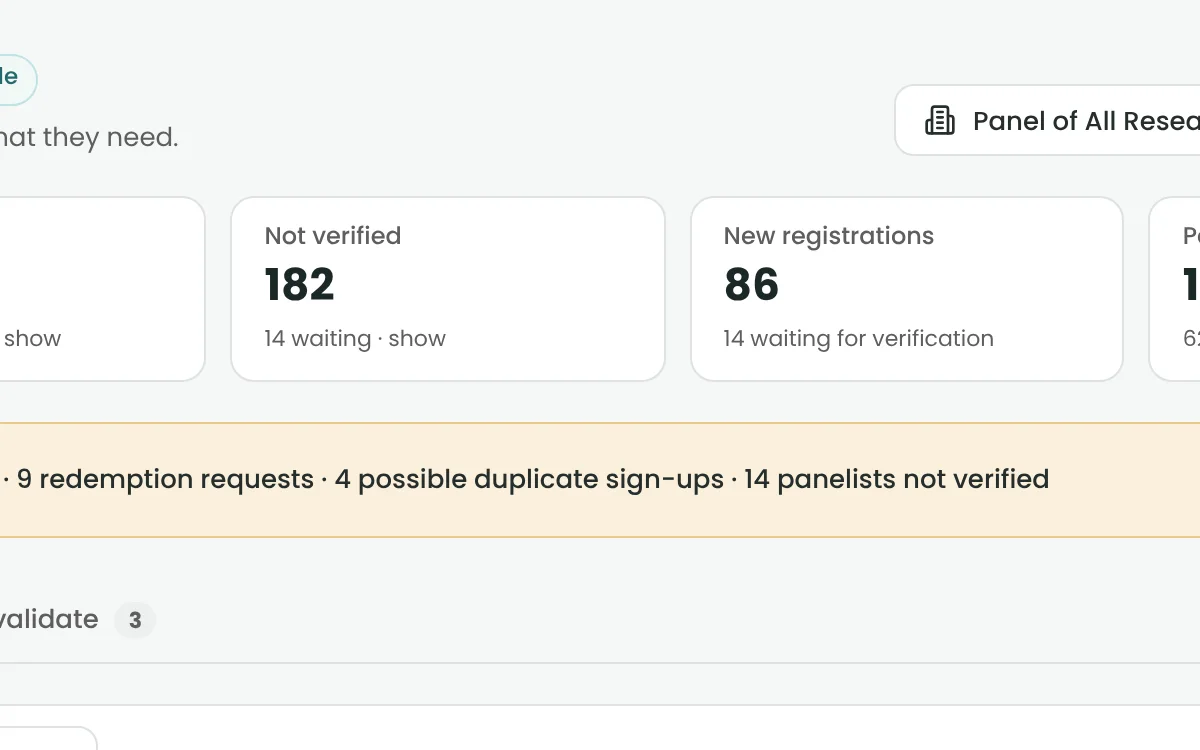
  • Panelist Records & Profiles

    Where enabled

    Where enabled: panelist profiles, status and participation history.

  • Groups & Segmentation

    Where enabled

    Where enabled: build audience segments from panel data.

  • Participation & Rewards

    Where enabled
    Where enabled: starts, completes and reward history.

Reporting, Reconciliation & Finance

From live project data to reconciled invoices.

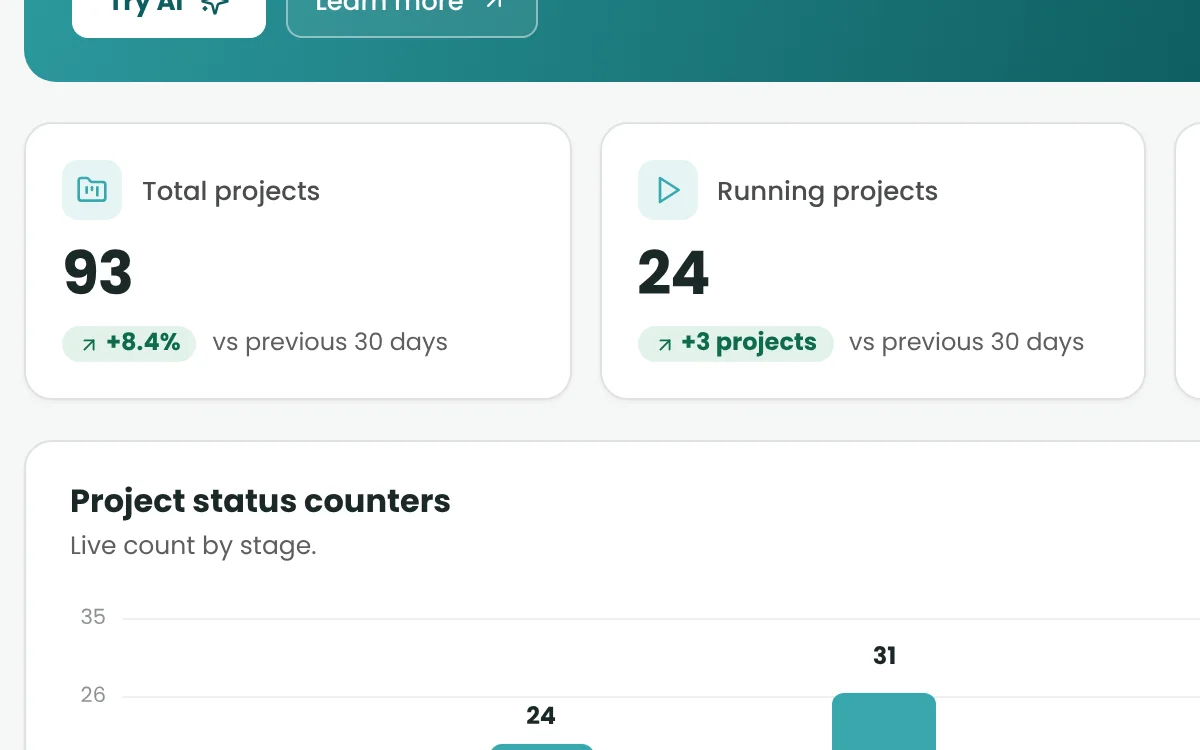
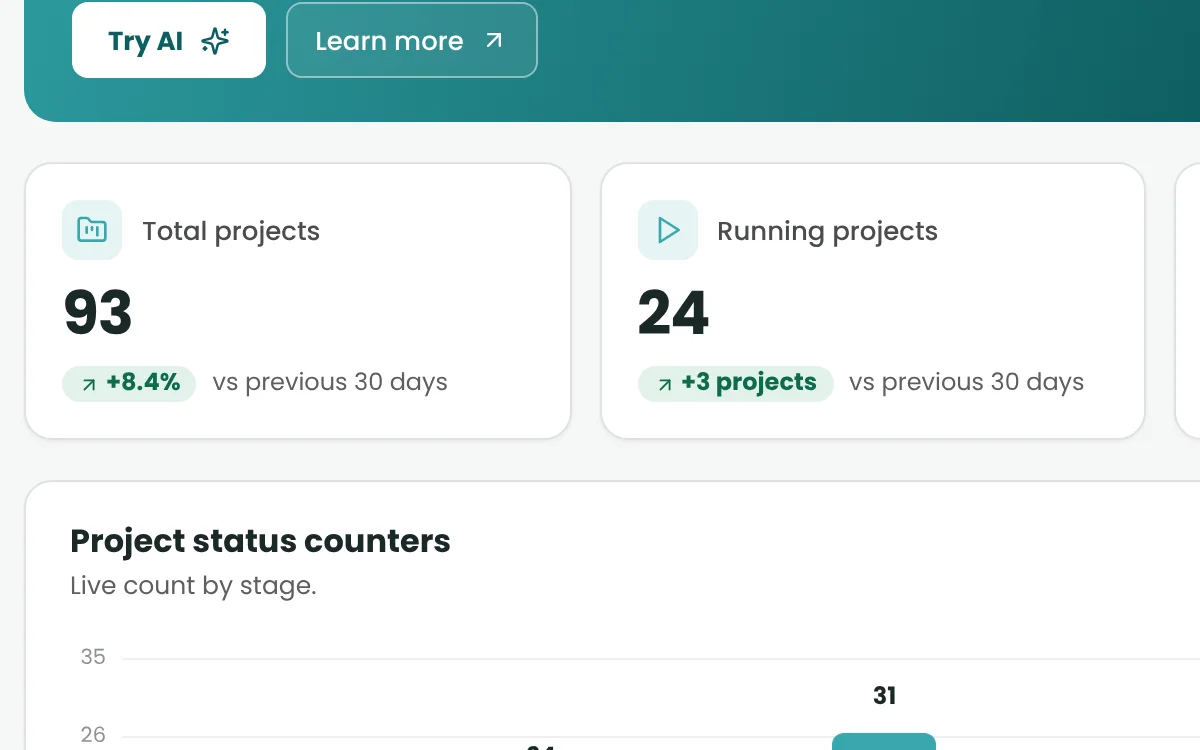
  • Operational Dashboard

    Completes, disqualifies, quota fulls and drop-outs, by day and project.

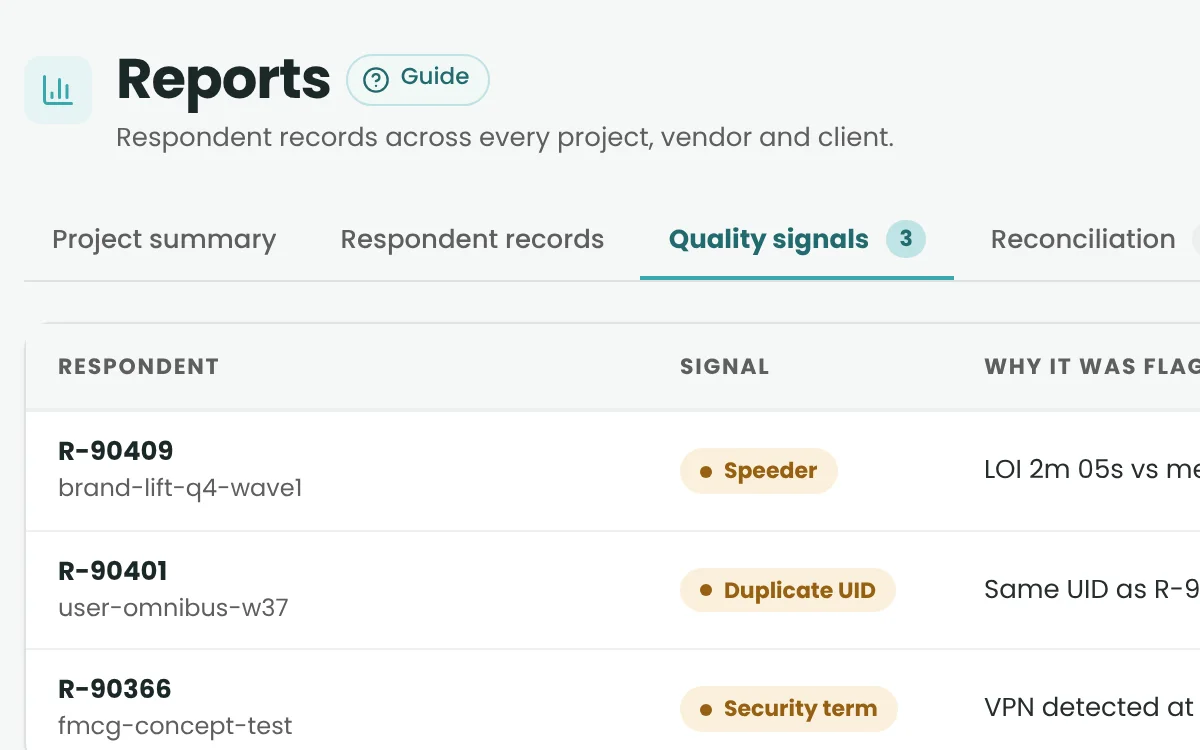
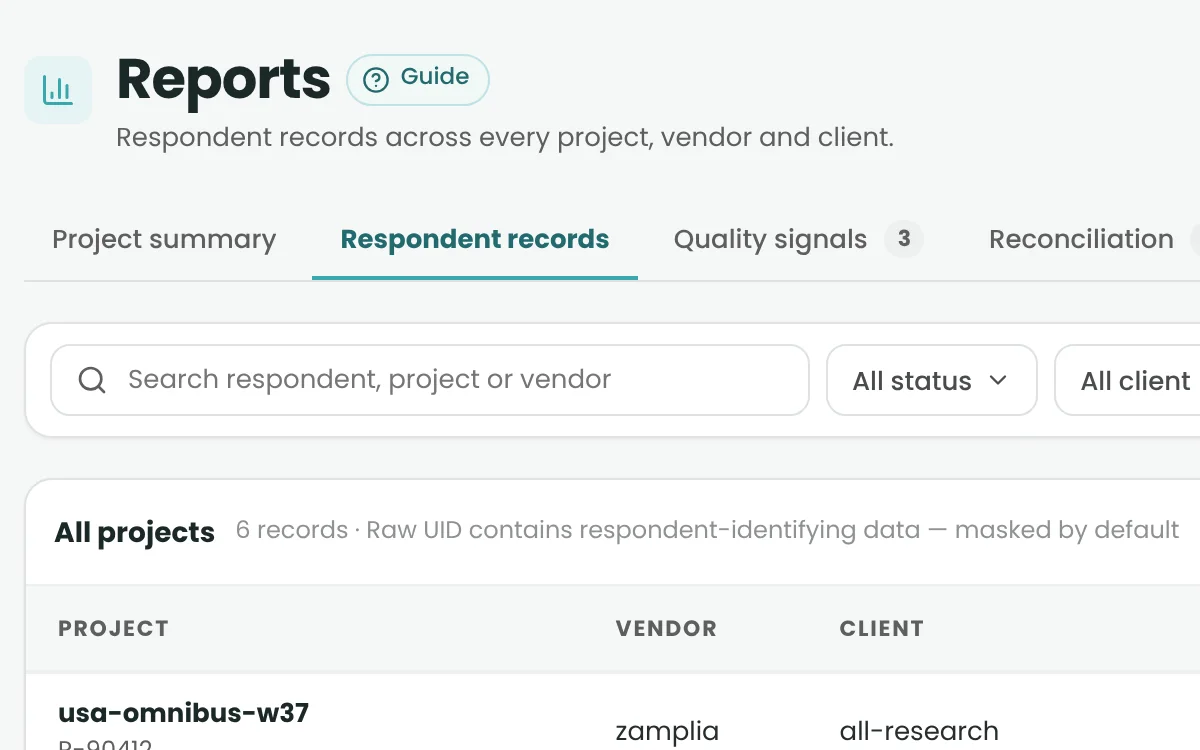
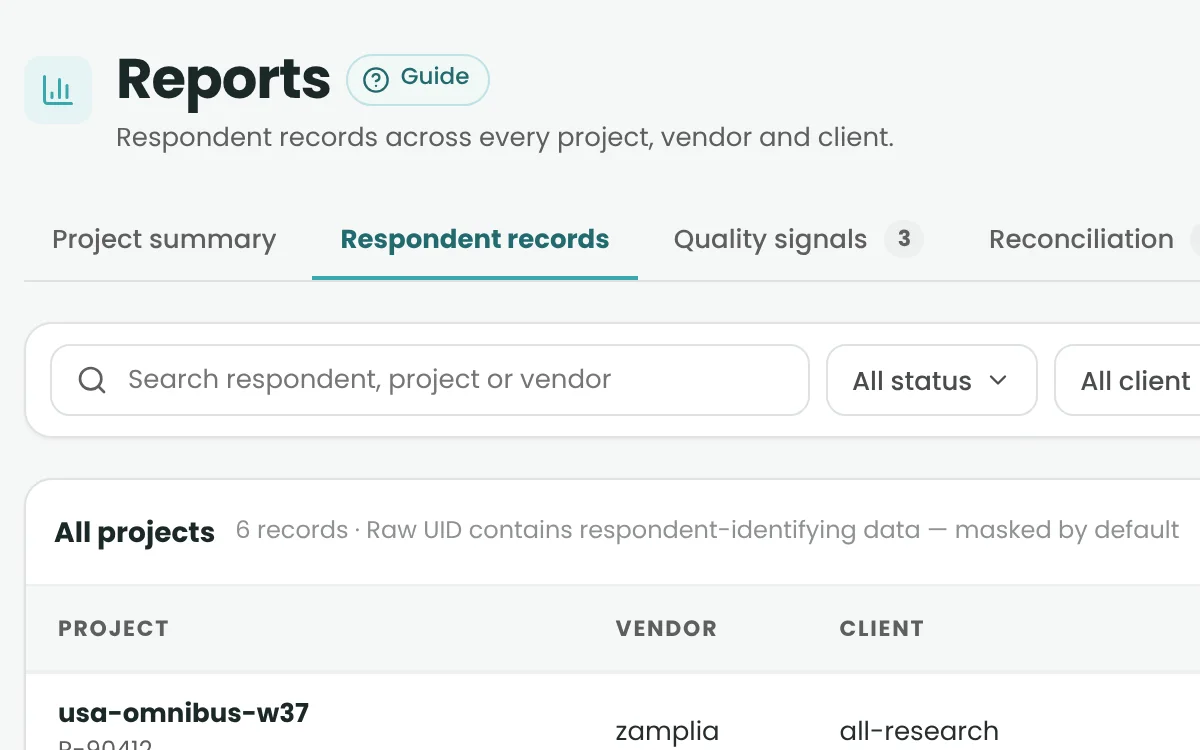
  • Project & Respondent Reports

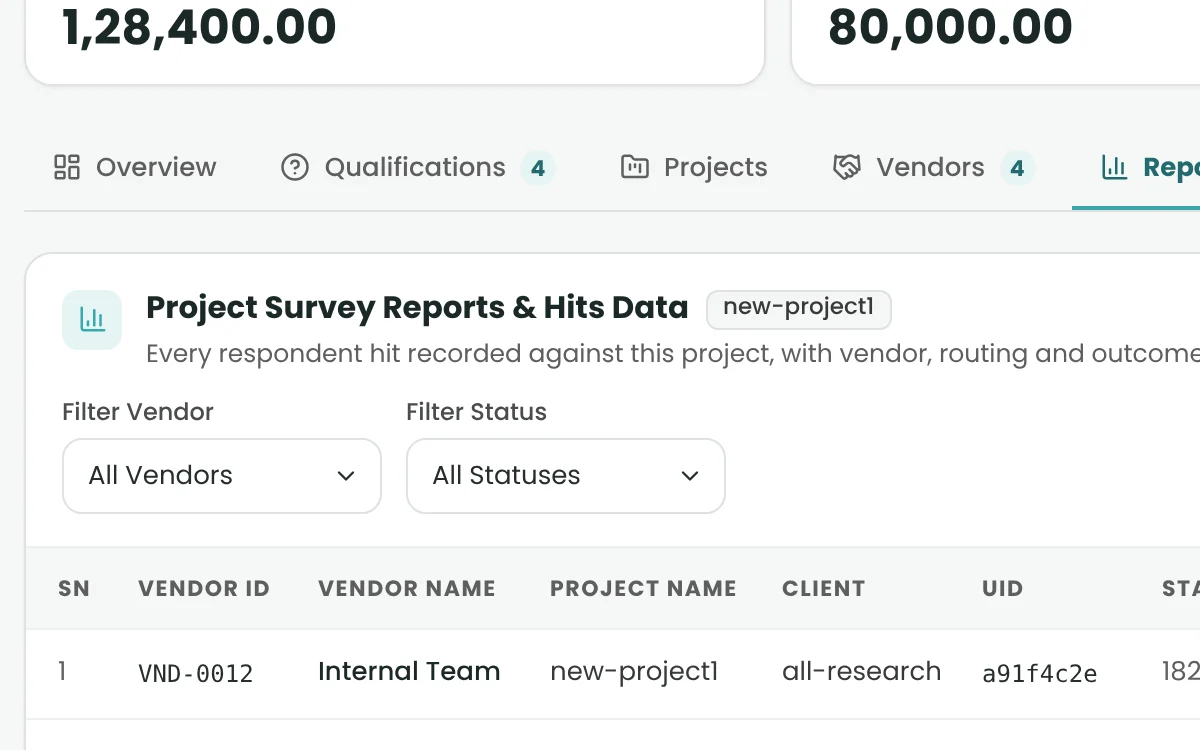
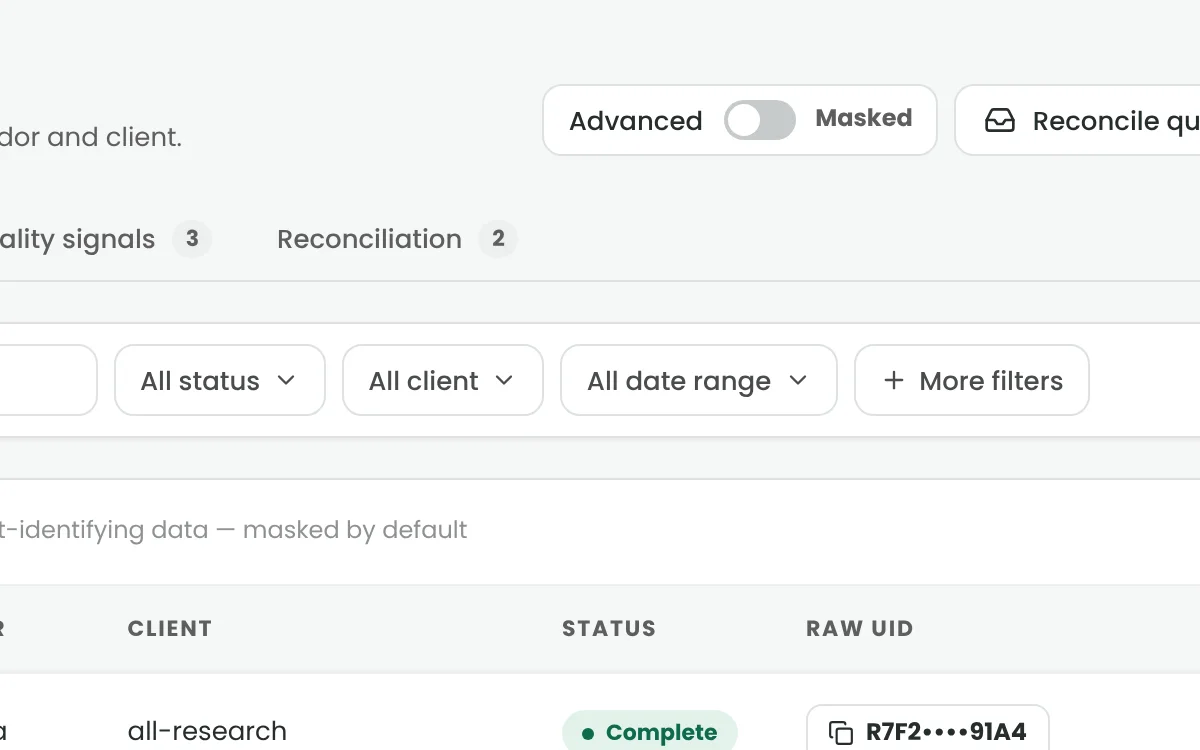
    Filter by project, vendor, country or date – down to each respondent.

  • Report Downloads

    CSV, Excel or PDF. Big files are prepared in the background.

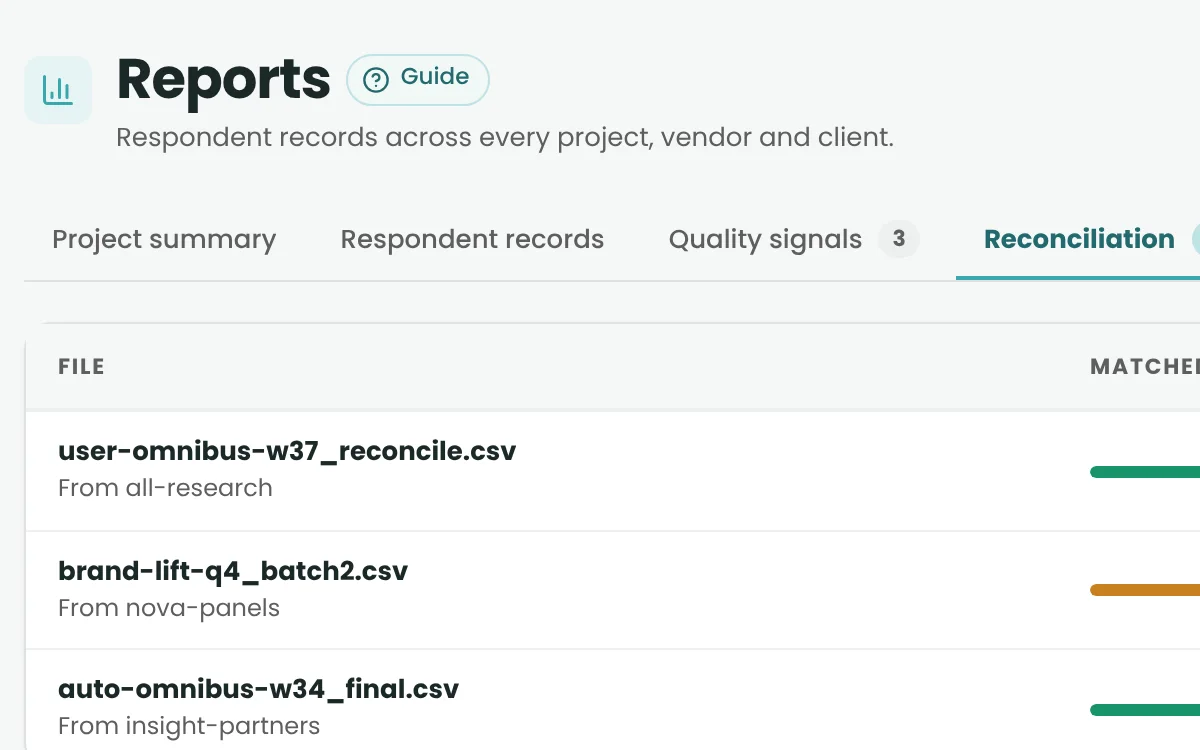
  • Reconciliation Queue

    Review client files first. Nothing changes until you approve.

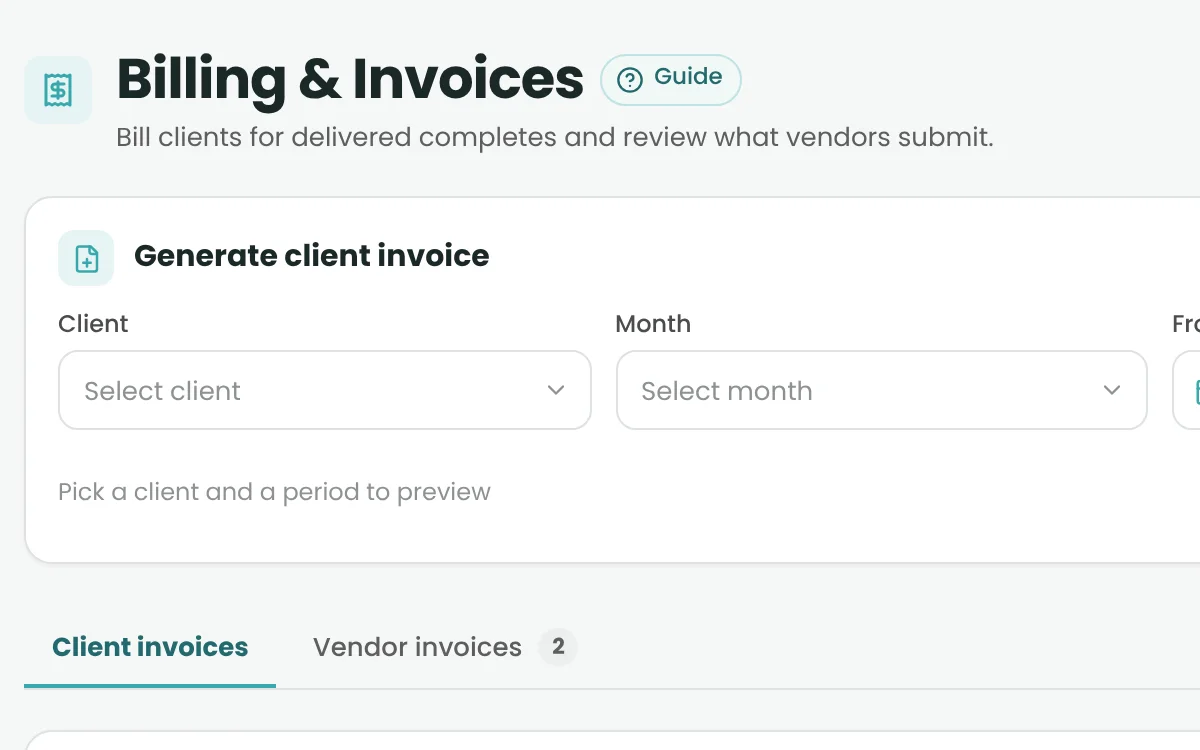
  • Client Invoice Generation

    Invoice clients from delivered, reconciled completes.

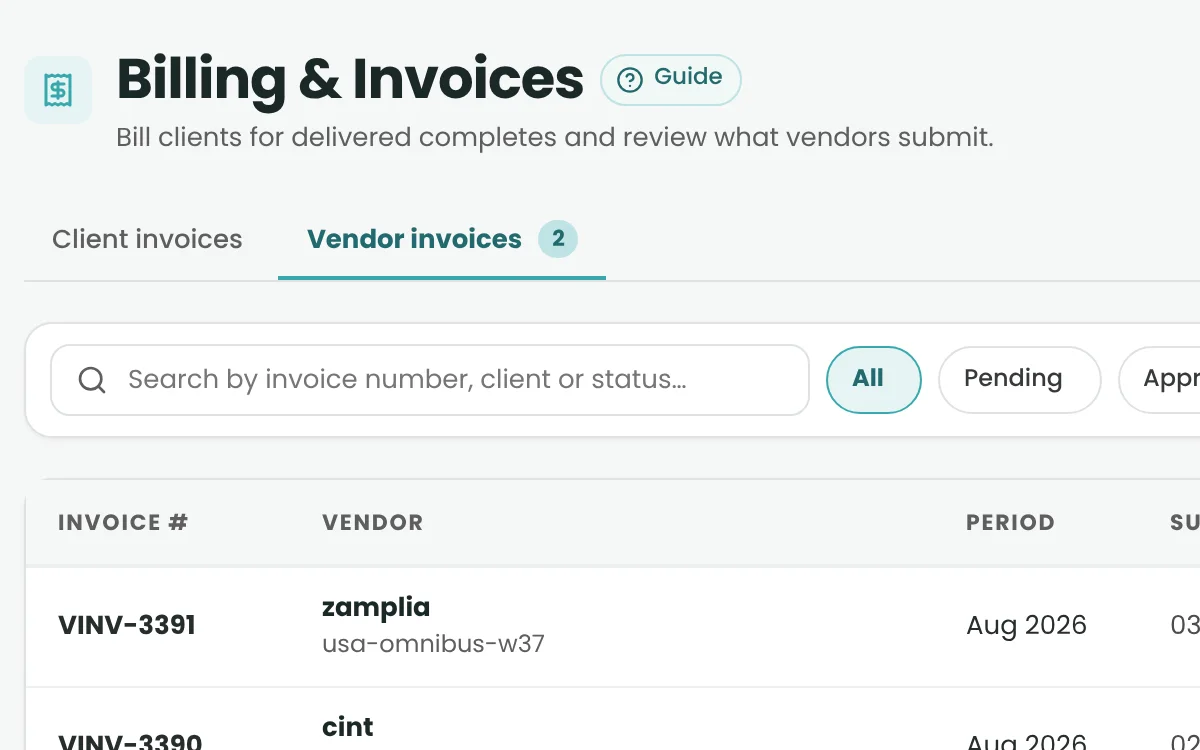
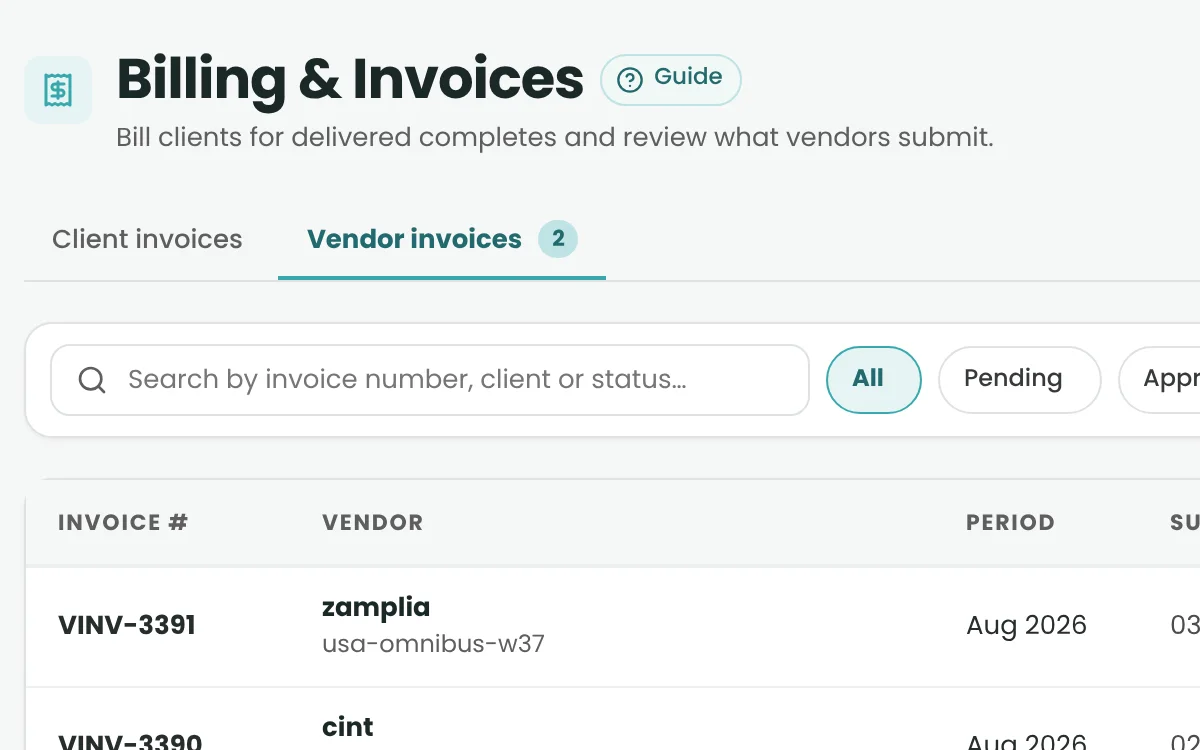
  • Vendor Invoice Management

    Approve, reject and mark vendor invoices as paid.

  • Client & Vendor Performance Scorecards
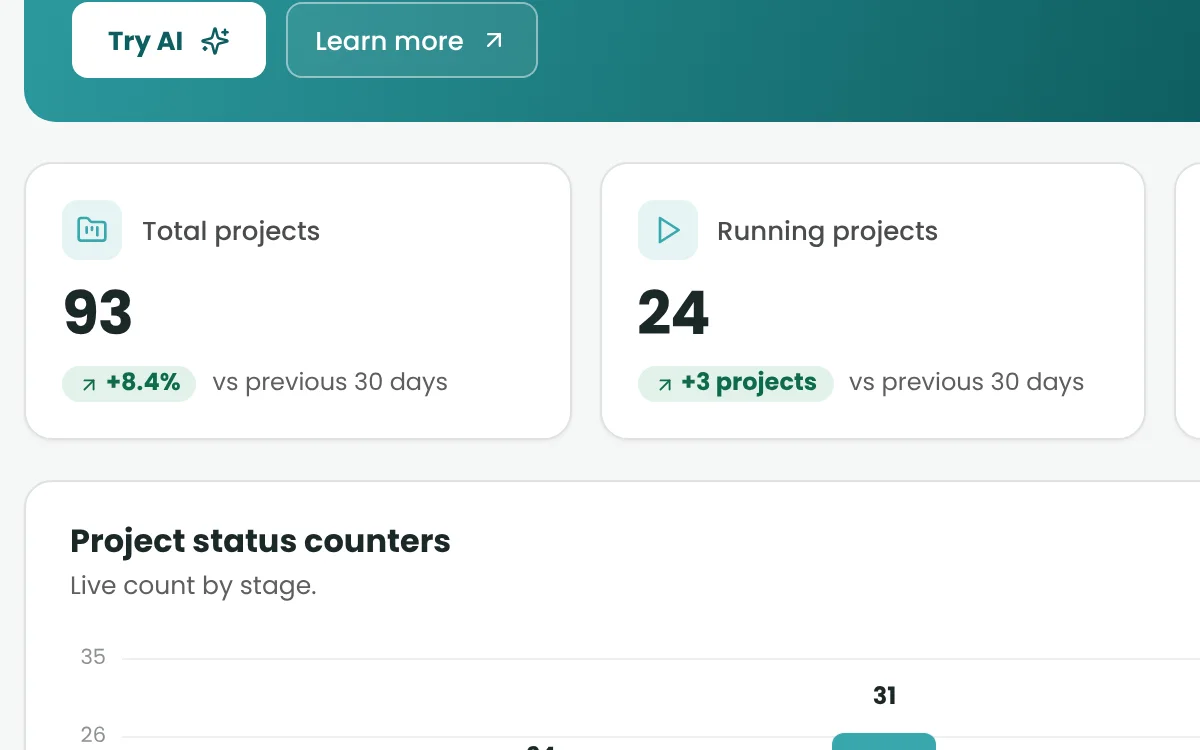
    Nightly scores, with No Data for new accounts.

AI Assistants & Automation

Meet the assistants that help your team move work forward.

  • A2B Atlas

    Project OperationsPrepares project details and vendor assignments for your approval.

  • A2B Pulse

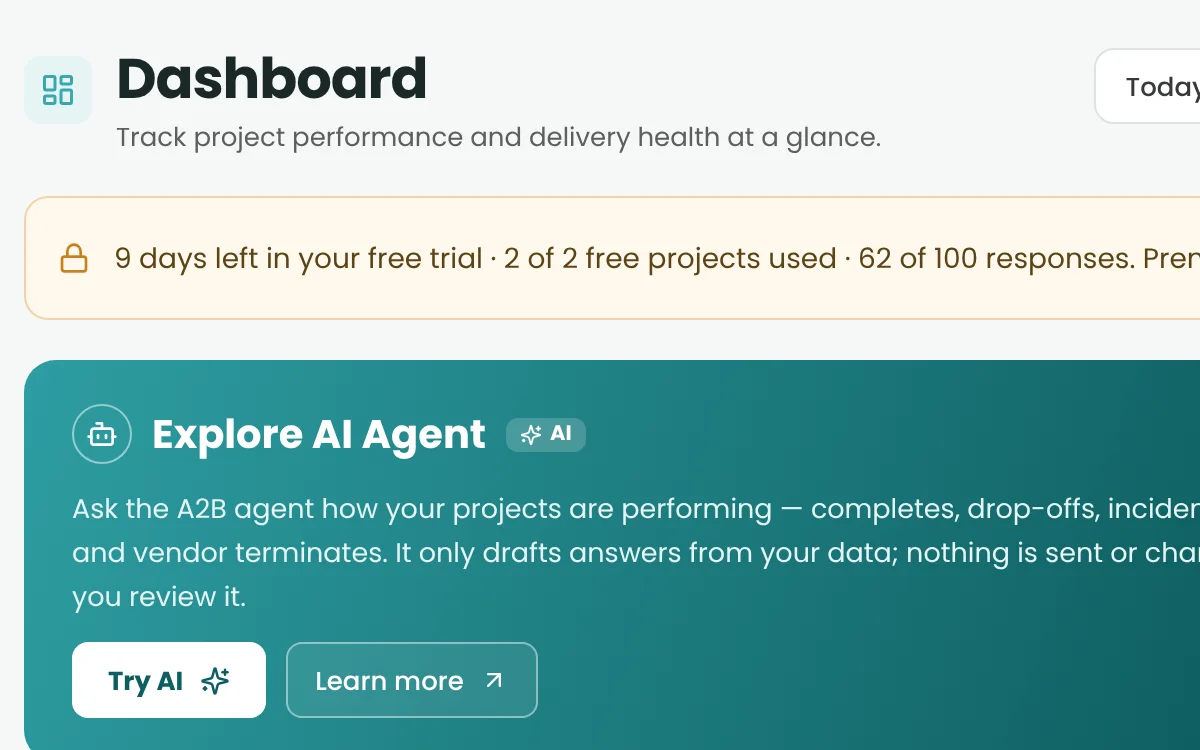
    Dashboard InsightsExplains what changed on the dashboard, and why.

  • A2B Prism

    Reporting InsightsBreaks results down by vendor, country, status or device.

  • A2B Scout

    Vendor ManagementShows which vendors are stuck in onboarding and prepares the fix.

  • A2B Concord

    ReconciliationPre-checks client reconciliation files before you decide.

  • A2B Anchor

    Client Lifecycle & ReceivablesSurfaces overdue receivables and work not yet invoiced.

  • A2B Envoy

    Client RFQ ResponsesReads client RFQs and drafts your reply.

  • A2B Tender

    Vendor QuotesCompares vendor quotes and drafts the follow-up.

  • A2B Tally

    Invoice & Payment OperationsPrepares invoice batches and reminders. Payments stay with Admin.

Integrations, Access & Platform Security

Connect your existing research ecosystem.

  • Developer API

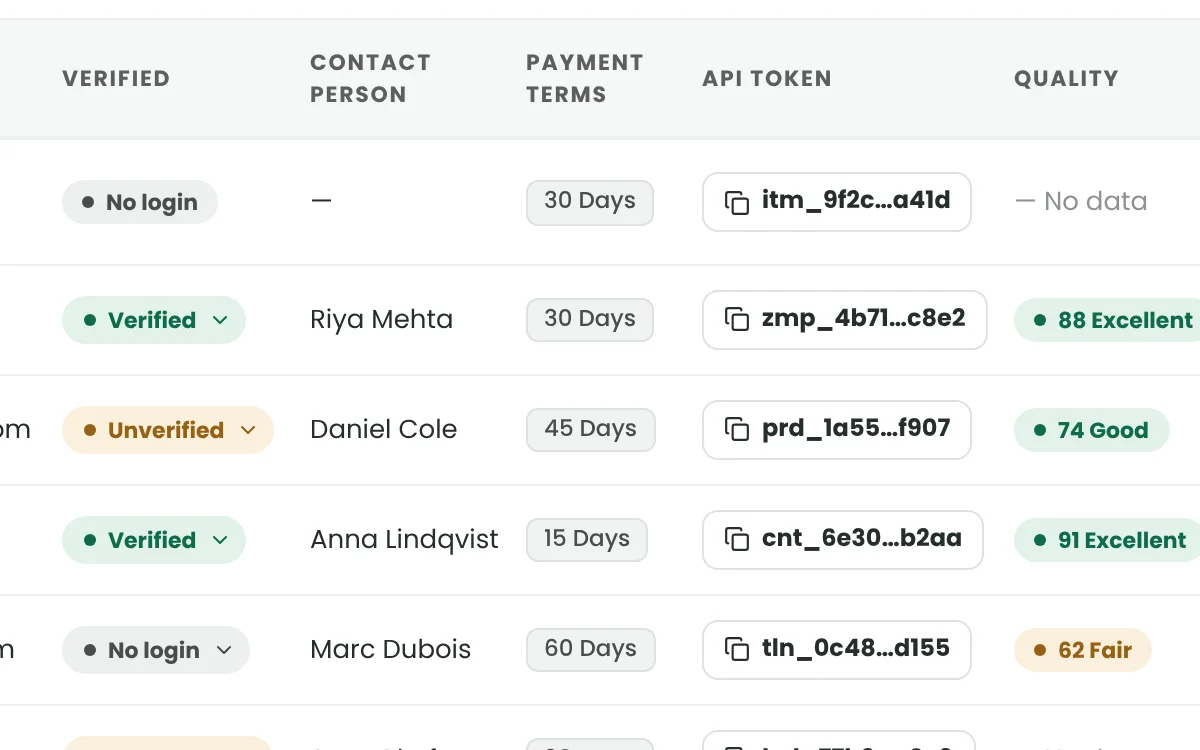
    A secured JSON API with 22 endpoints for clients and vendors.

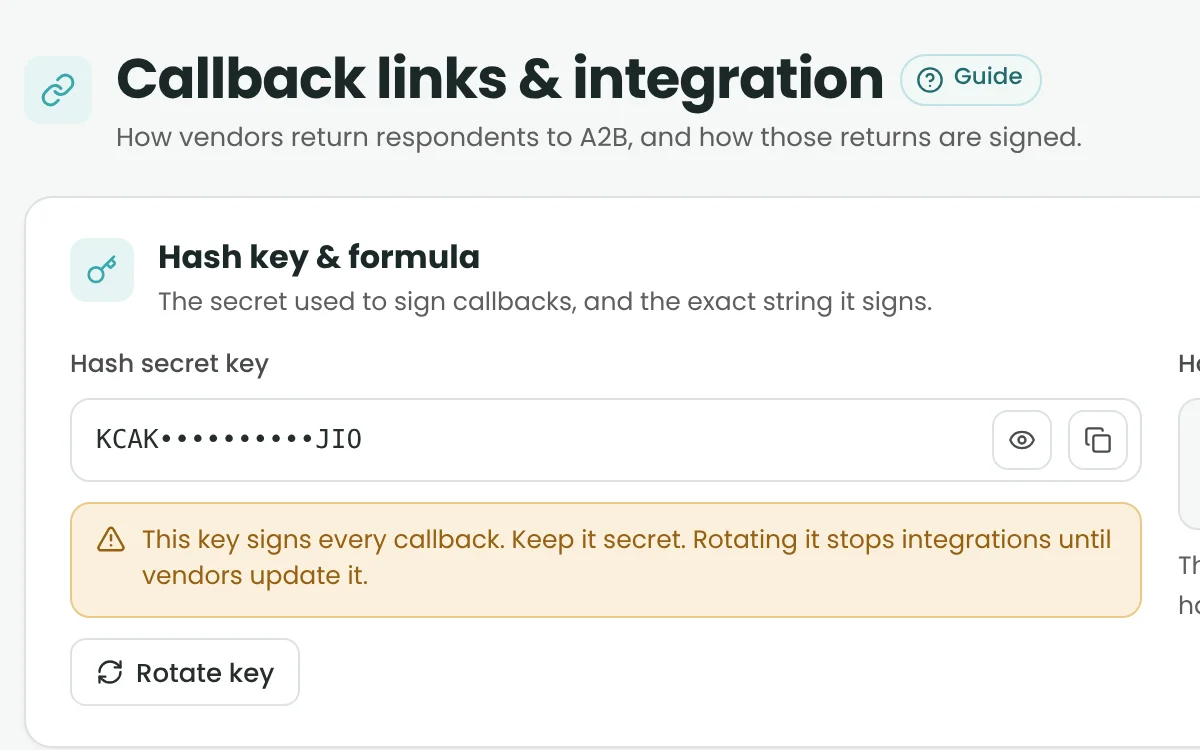
  • API Credentials & Access Limits

    Account-specific key pairs, rate limits and easy regeneration.

  • Survey Return Links & Encrypted Callbacks

    Live and test outcomes, sent back to the right project.

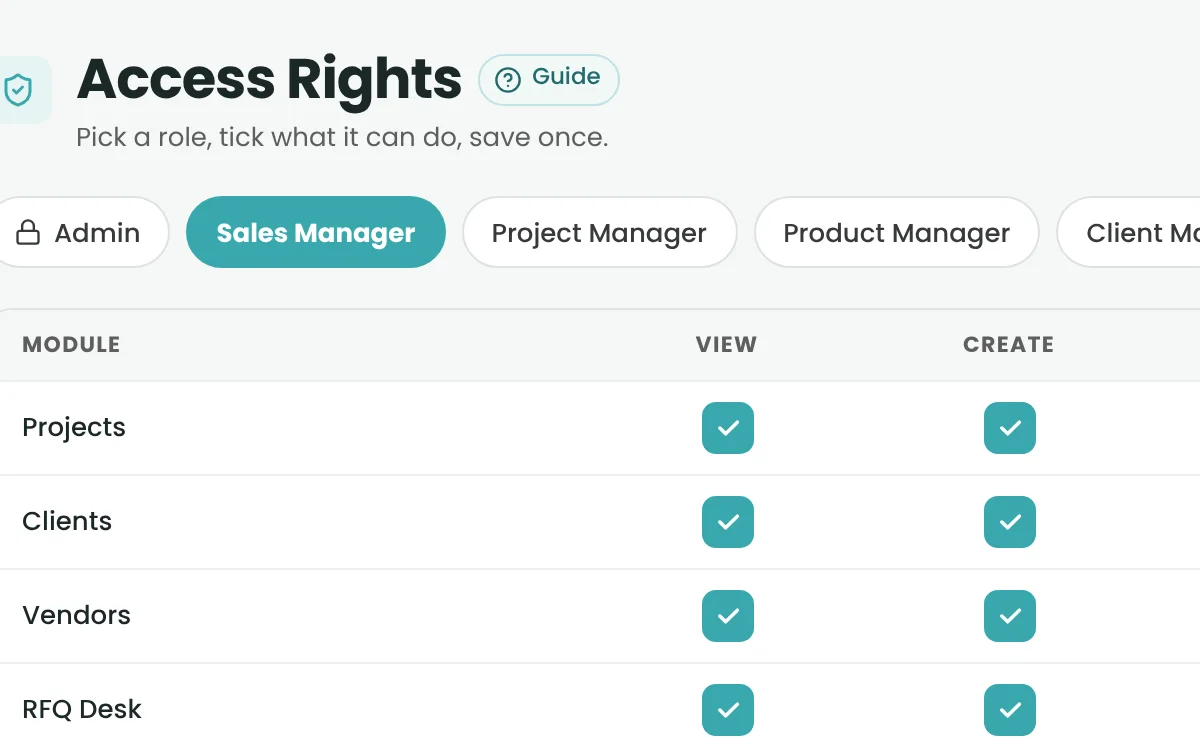
  • Role-Based Access Rights

    View, create, edit and delete rights by role – enforced by the server.

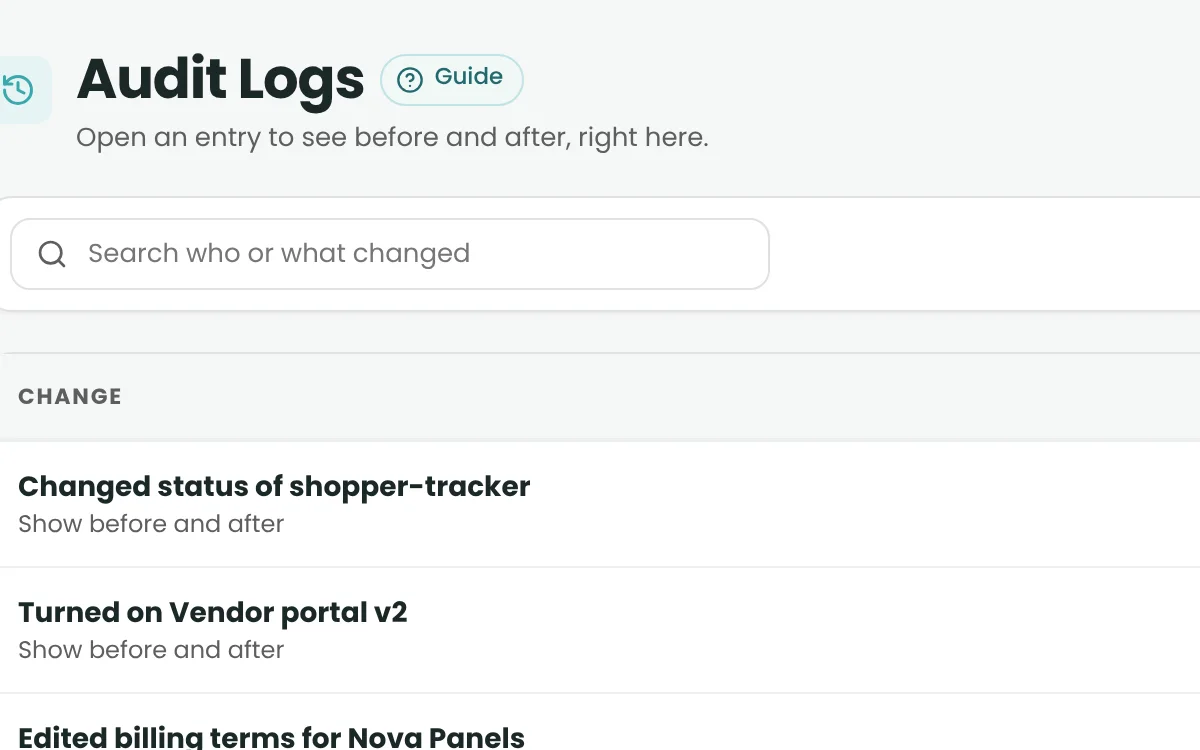
  • Audit Logs

    Who changed what, and when.

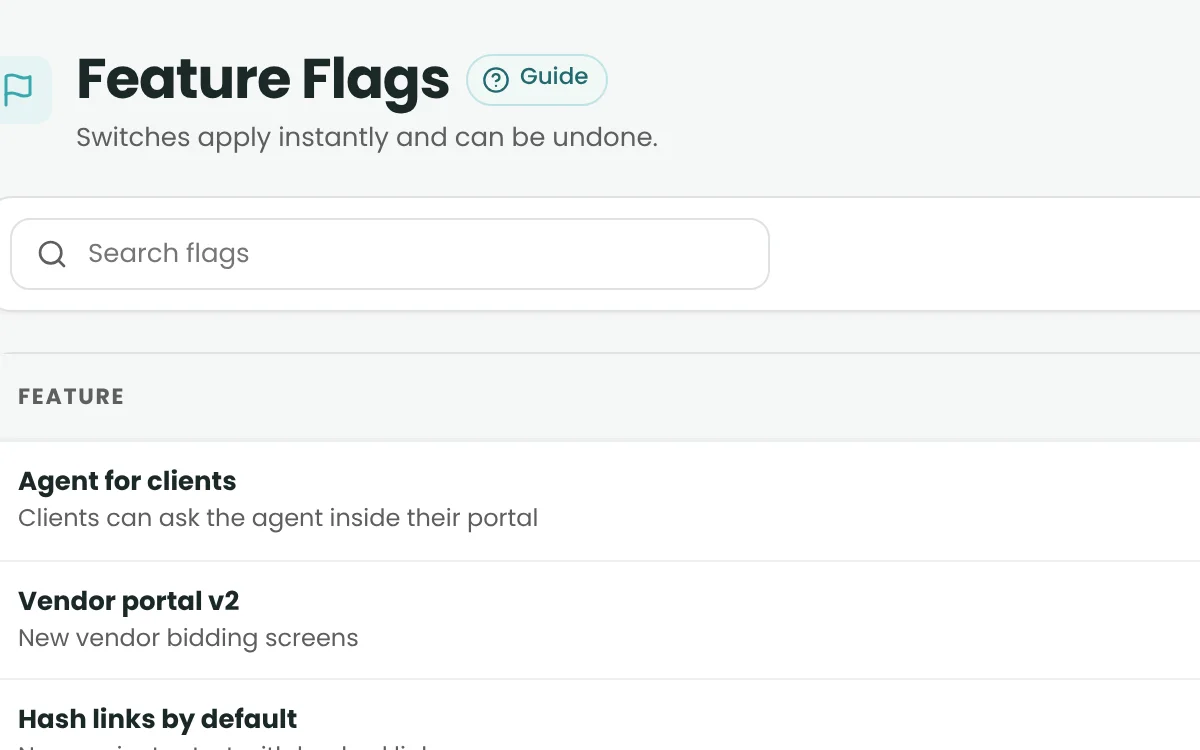
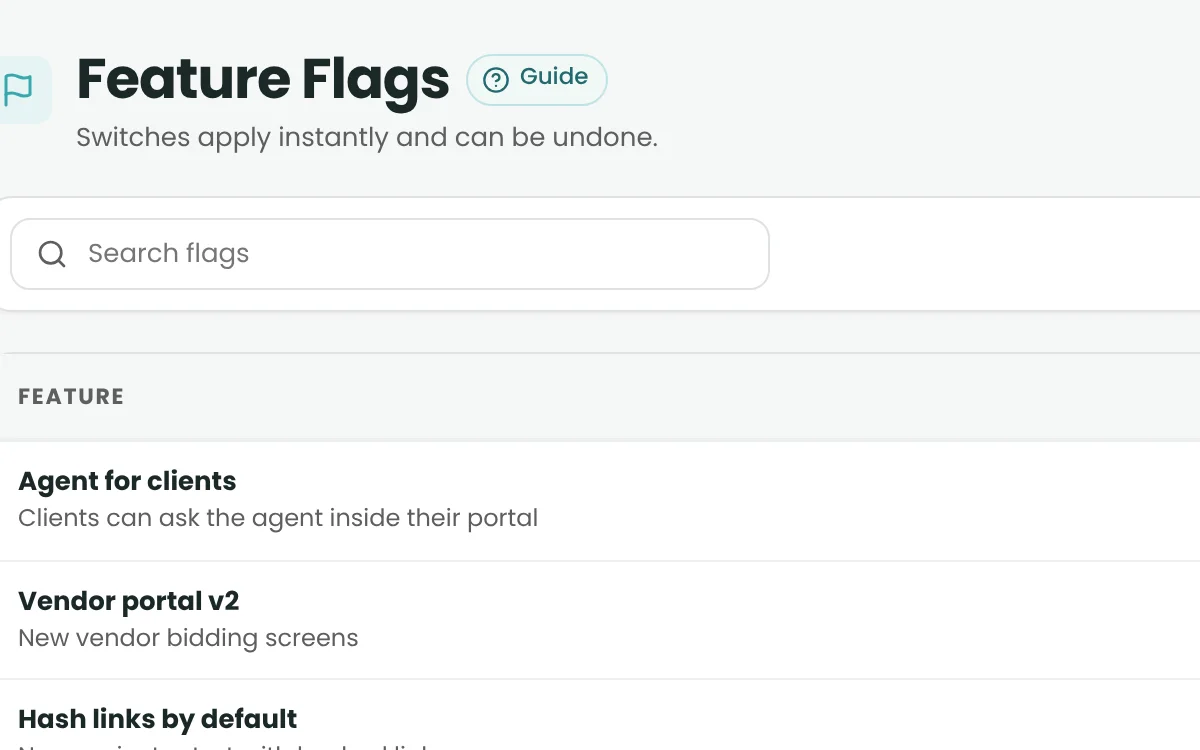
  • Feature Flags & Settings

    Admins switch checks on globally; projects choose from those.

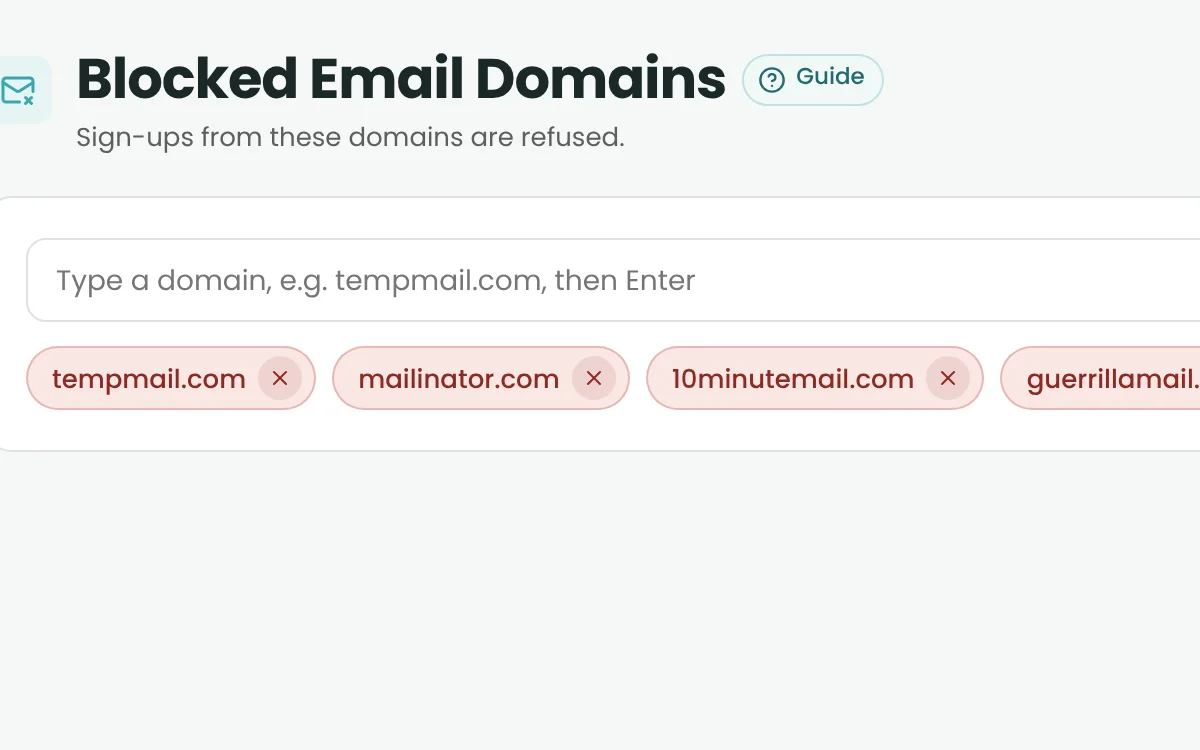
  • Blocked Email Domains

    Stop disposable emails at sign-up.

  • Security & Privacy

    Role-based separation, encrypted connections and masked data for AI.

Additional client benefits

More than the core platform.

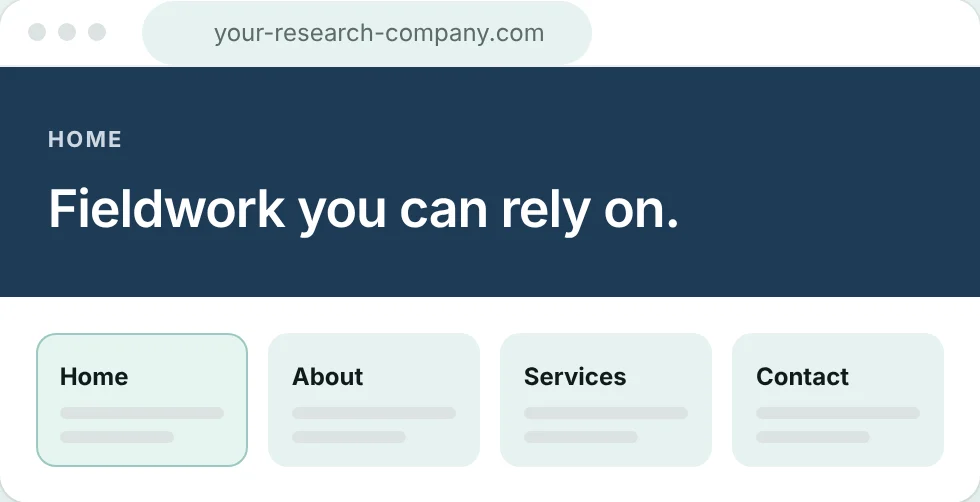
White-labelPremium & Pro

Your brand, on A2B Insights.

A dedicated, client-branded installation with its own database, sign-in, web address and branding – set up with our team.

Learn more
See A2B Insights on your own workflow.

Book a demo to walk through RFQs, projects, quality, reporting and invoicing with our team – or get early access to start using A2B.